Teaching Material
Theory
Refraction is the blessing and the curse of microscopy.
Light travels at different speeds in different materials. It is fastest in vacuum with 299,792,458 meters per second. Slowing down when entering an optically more dense material, light gets deviated from its direction of travel. This is called refraction. The ratio n between the speed of light in vacuum (c) and that in the respective material (v) (n=c/v) is called refractive index. The refractive index is a bulk physical constant of that material. It is dependent on the temperature of the material and the energy (frequency) of the light waves traveling through.
Snell's law describes the relationship between refractive indices of two adjacent isotropic materials and angles of incidence of light traveling through the boundary between the two:
$$sin(a1) / sin(a2) = n2 / n1$$
Hands-on: Refraction I - Laser into Waterbath
Concept demonstrated
Demonstrate how light gets refracted at the interface of two different media.
Materials
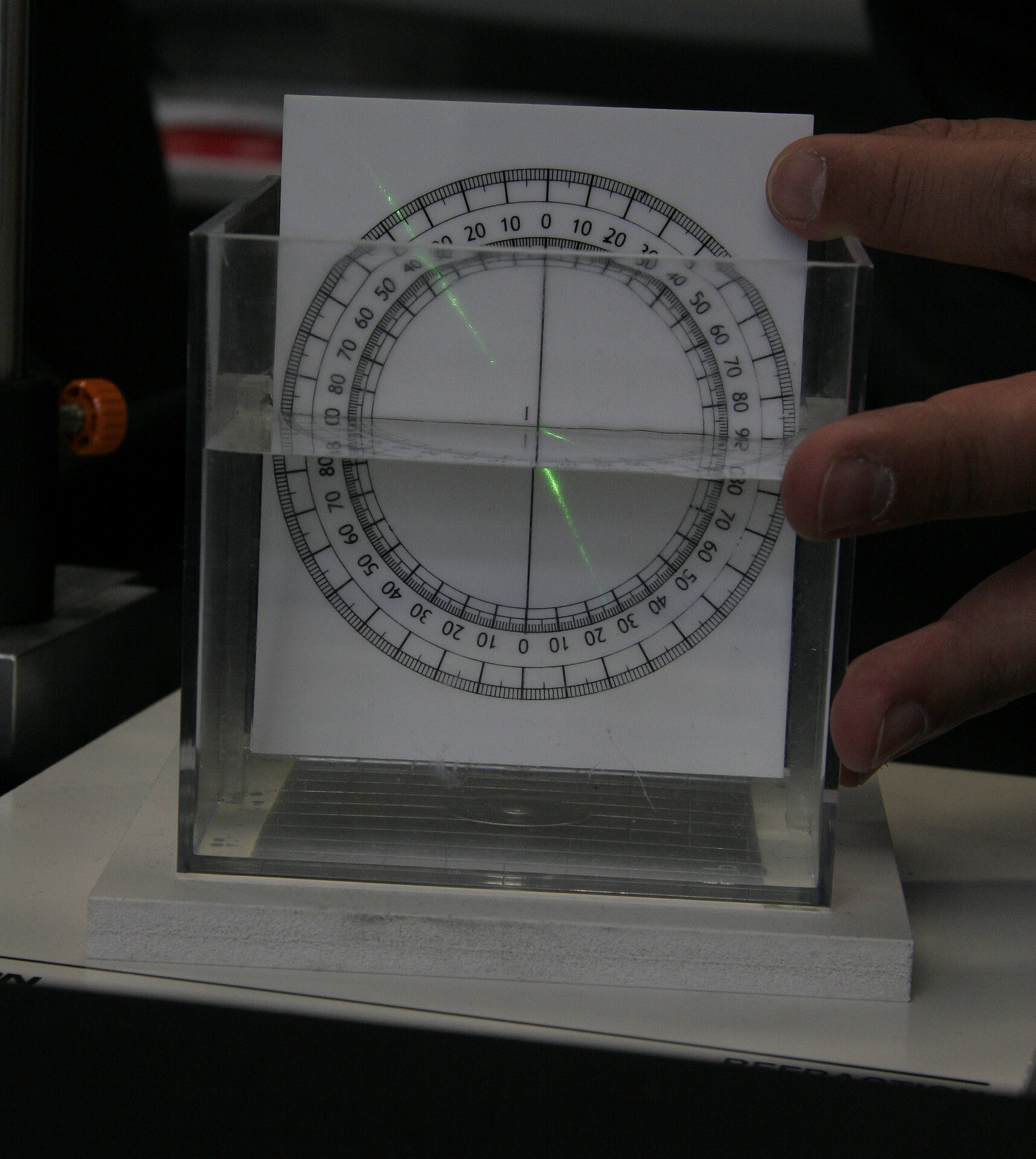
- clear waterbath with a 360° protractor on its back wall (self made or eg. from Pierron)
- different laser pointers
- clear water
- darkish room
Practical Setup
- Fill bath with water so that half the protractor is under water.
- One student (or teacher) shoots a laser pointer into the water.
- Laser beam needs to be parallel to protractor surface.
- Another student may read incident and exit angle.
- Why is the angle of light changing?
- What will happen if you change wavelength of laser?
Warning: do NOT point laser towards students!
Idea/Implementation
Humberto Ibarra Avila, Britta Schroth-Diez
Hands-on: Refraction II - Coin in Cup
Concept demonstrated
Demonstrates how changes in refractive index change perception.
Materials
- a cup with a small coin glued to it's bottom
- a beaker with water
Practical Setup
- Students stand in front of the cup such that they just do not see the coin anymore
- Teacher slowly fills the cup with water
- What will the students see?
Idea/Implementation
Peter Pitrone
Hands-on: Refraction III - Refractive Index Match and Missmatch
Concept demonstrated
Demonstrates that refractive index matters.
Materials
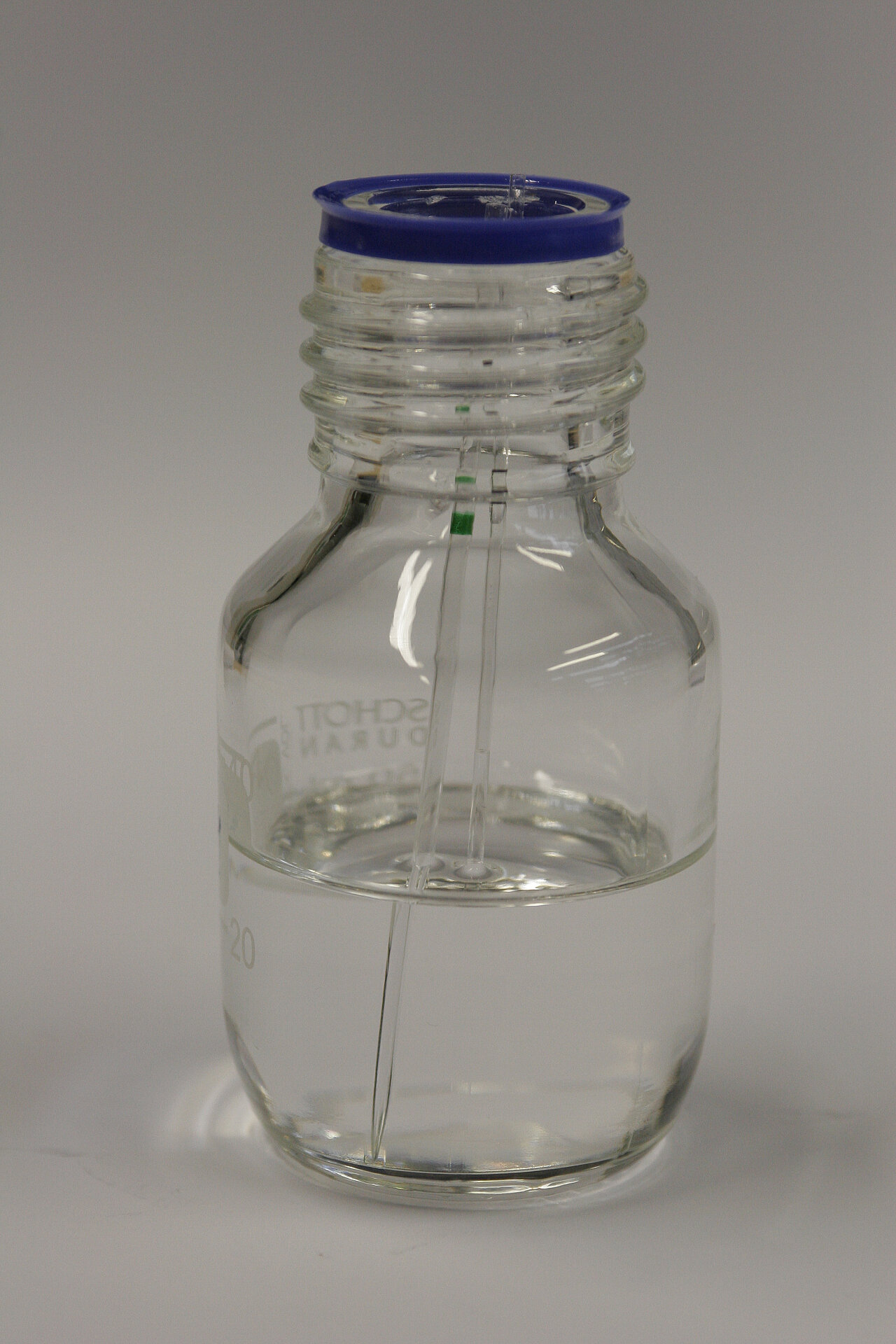
- A small glass bottle half-filled with immersion oil
- Two similar looking glass capillaries:
- One open at both sides - liquid can enter
- One closed at one side - no liquid can enter
Practical Setup
- Show glass bottle to students
- Explains that the immersion oil has the same refractive index as glass
- Briefly show the two glass capillaries, ideally so that they appear to be the same
- Slowly dip the two capillaries into the immersion oil
- Why does one capillary seem to disappear in the oil while the other does not?
- What is the implication of differences in refractive index in imaging biological samples?
- How can one reduce changes in refractive index in biological samples to improve imaging results?
Idea/Implementation
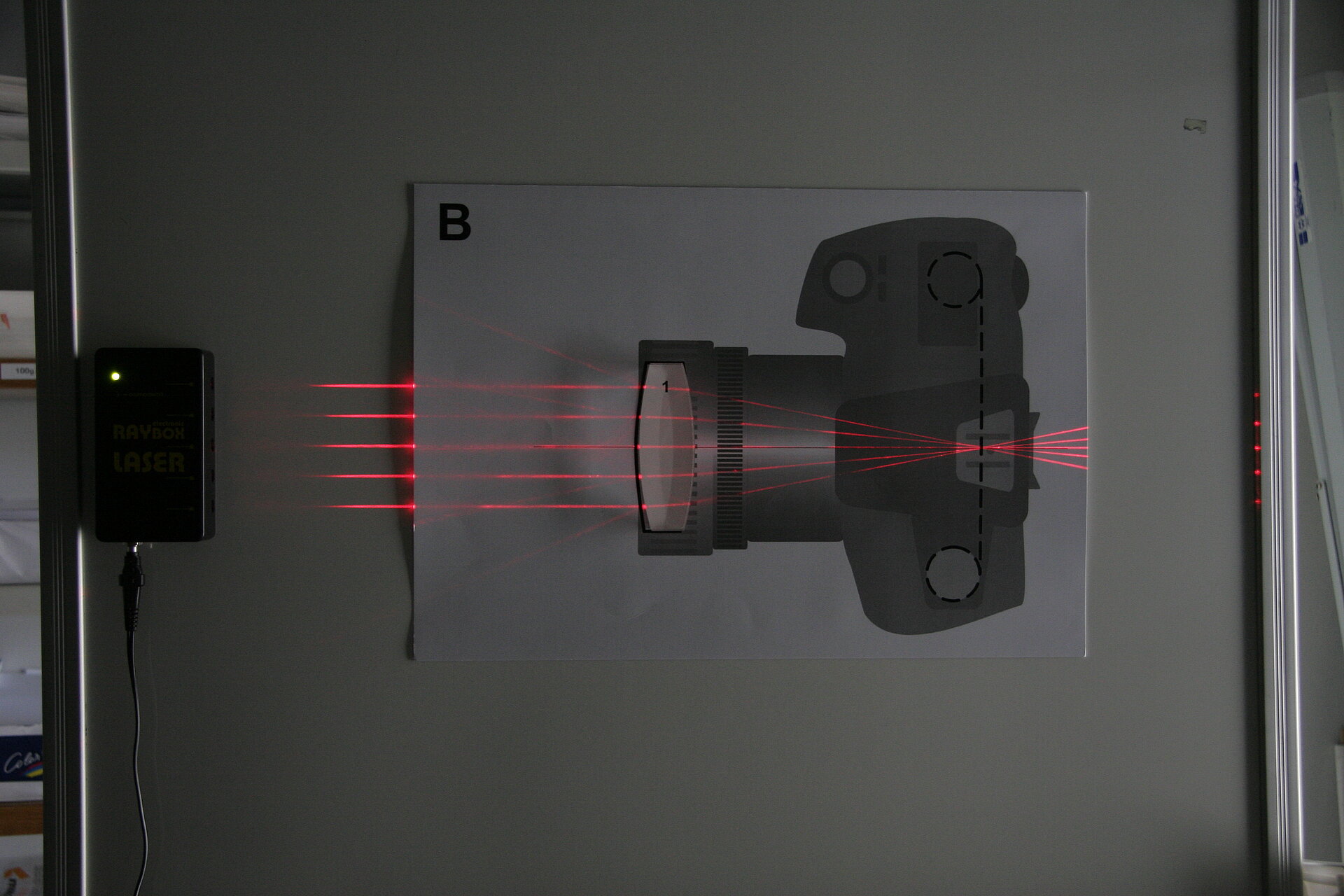
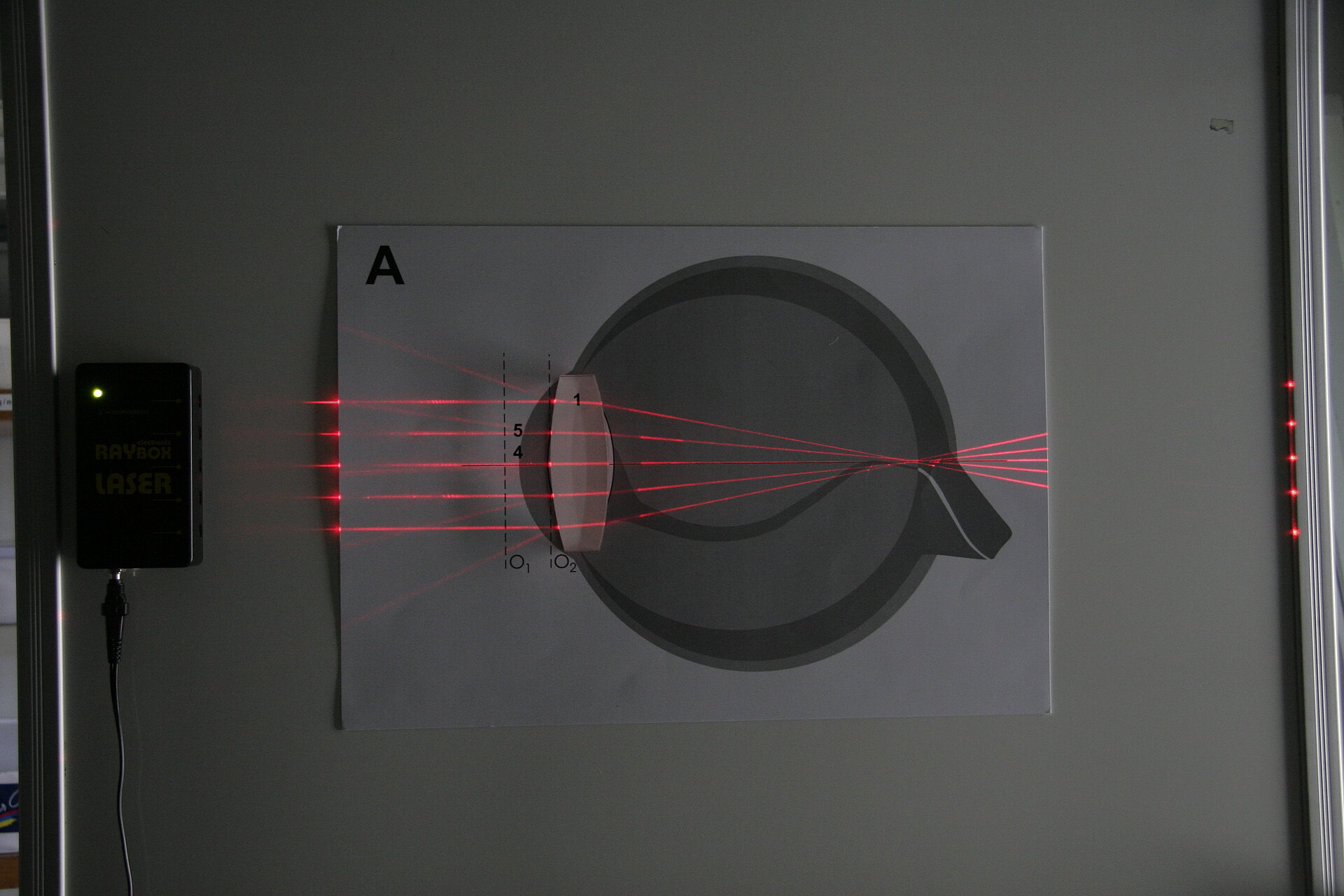
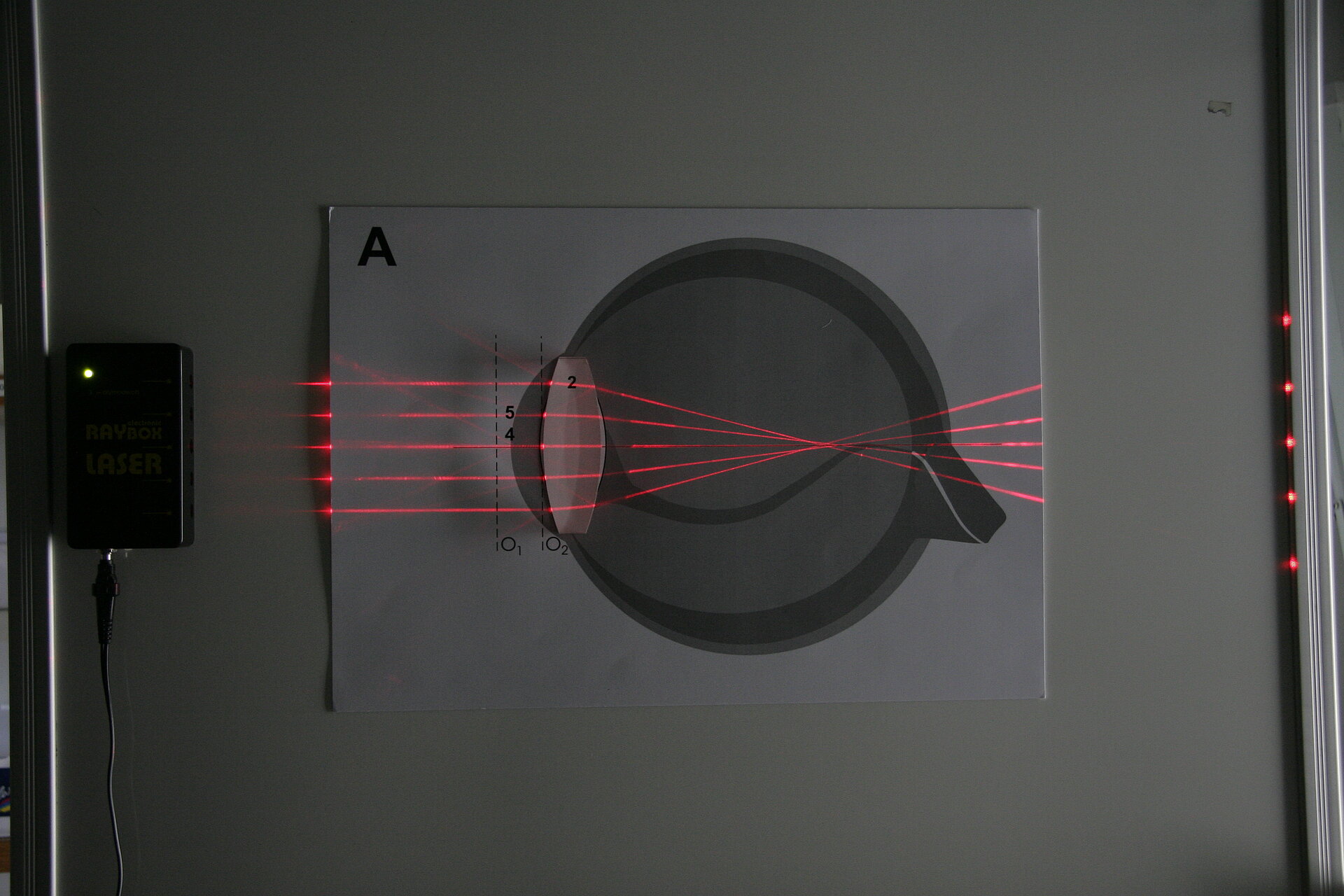
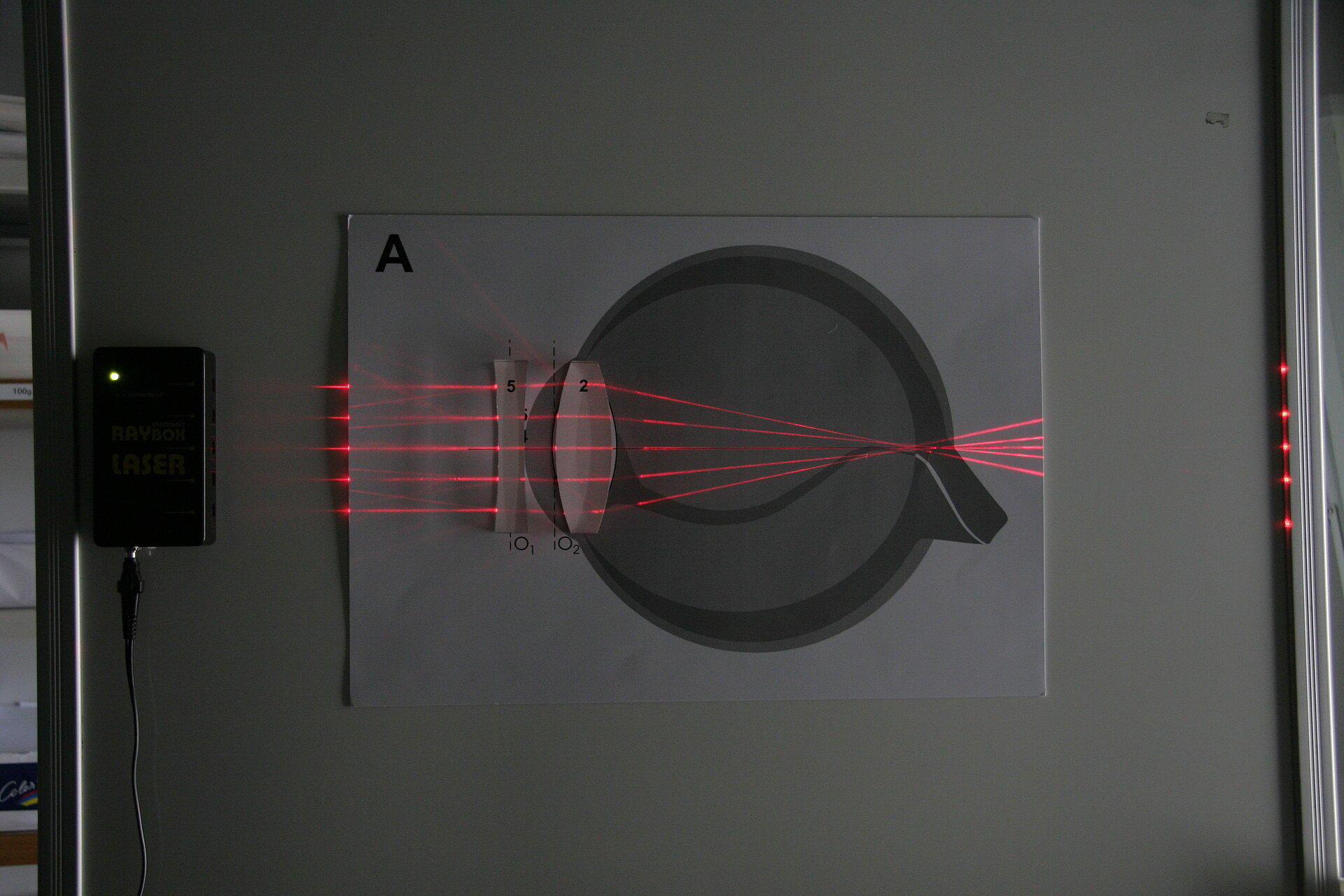


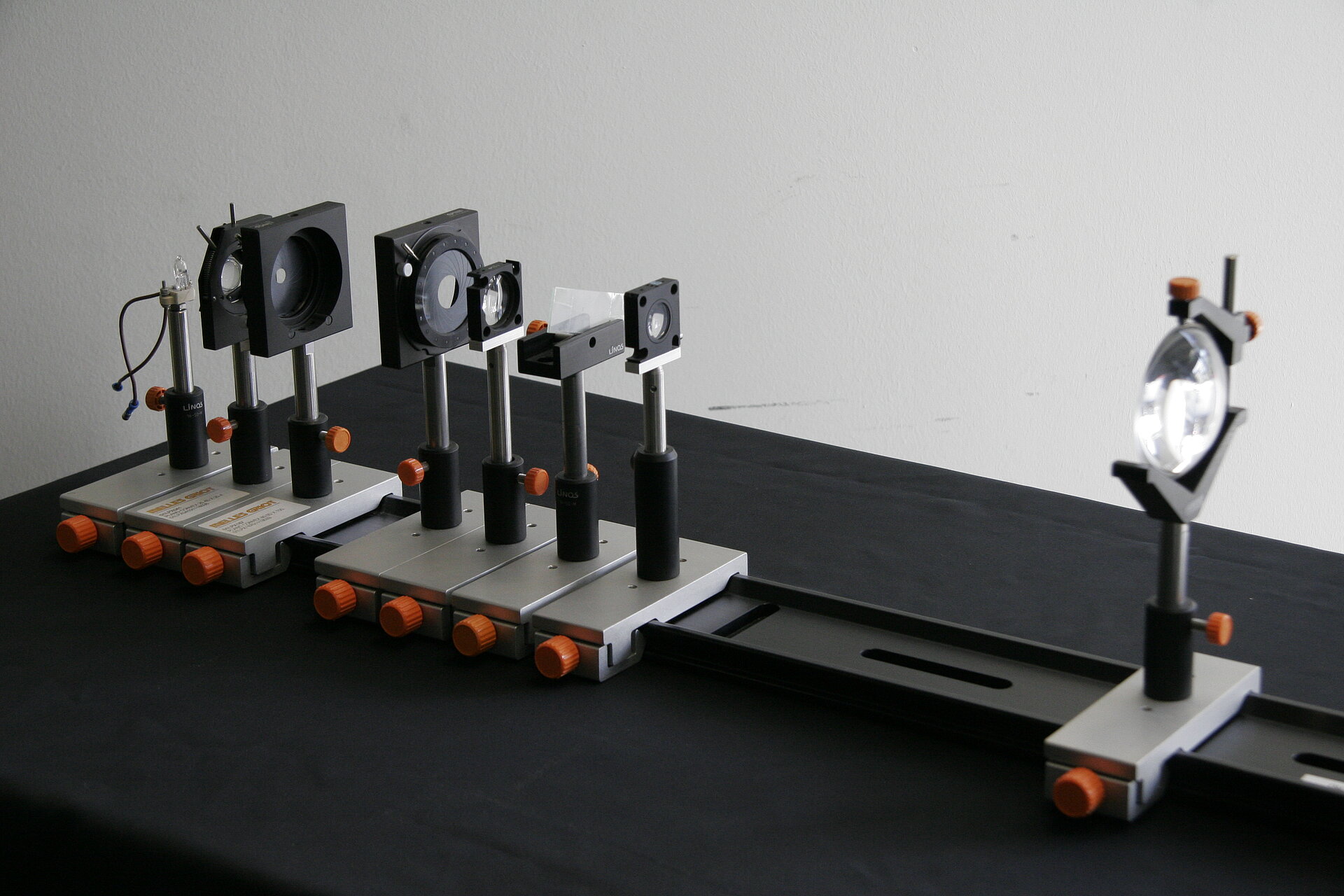
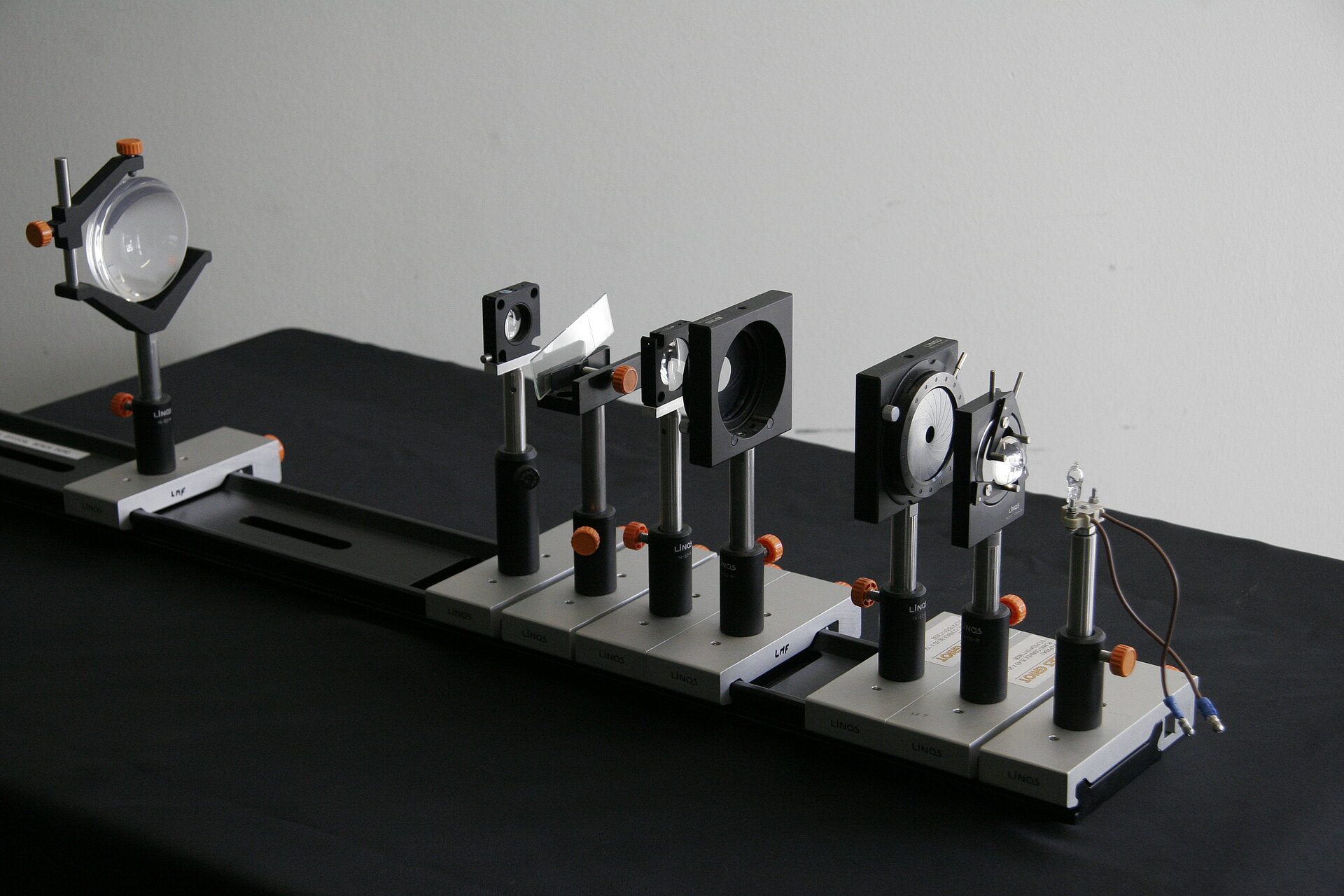
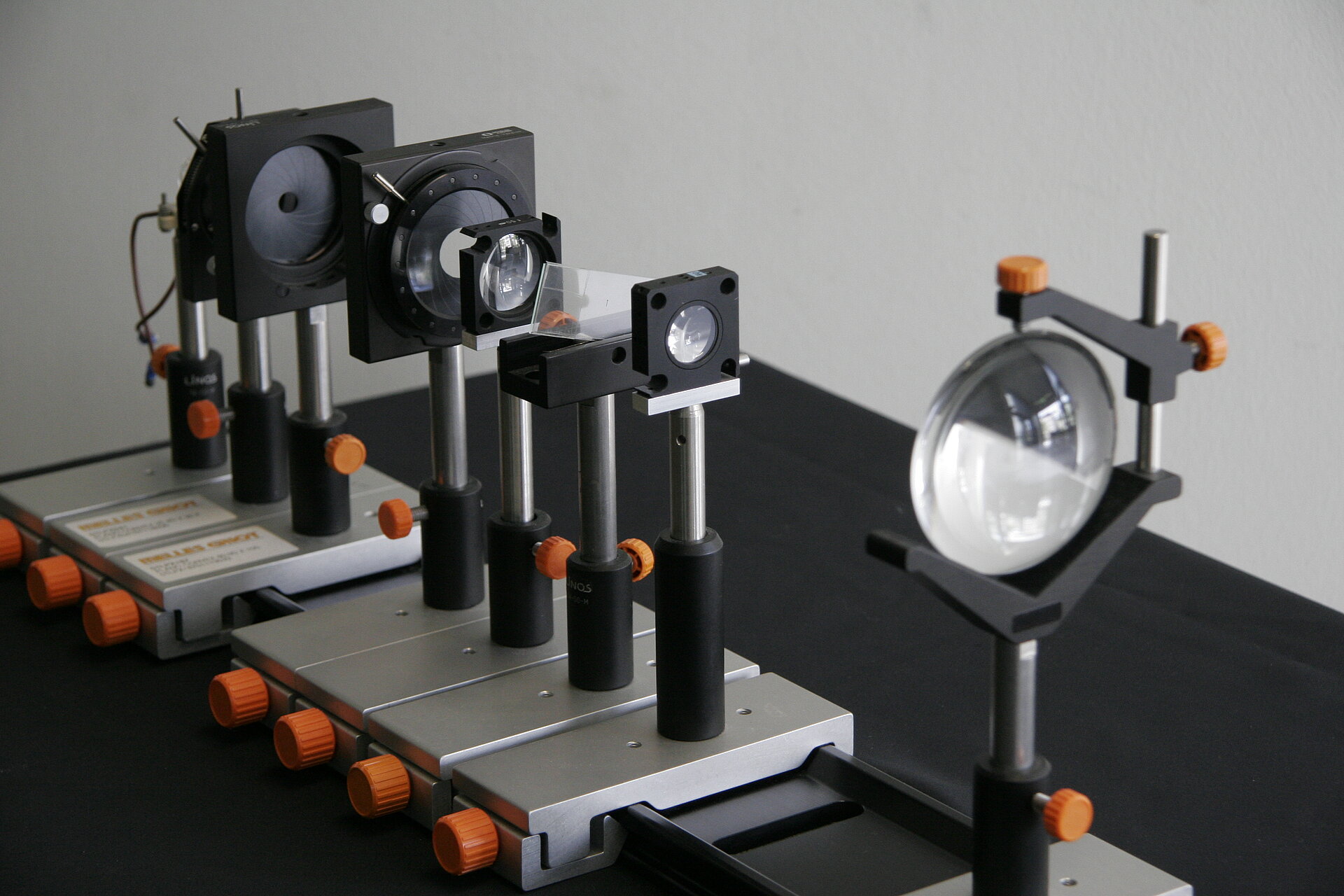
Hands-on: Optical Bench I - Conjugate Planes
Concept demonstrated
Demonstrates the essential parts of a microscope and explains the concept of conjugate planes: What are the key elements? Where is the back focal plane and what can you see there? Where is the primary image formed?
Materials
A bench with the ability to host several optical elements, in our case:
- light source (with filament)
- collector lens
- field diaphragm
- condenser aperture diaphragm
- condenser front lens
- sample holder and sample
- objective lens
- eyepiece lens
Parts can be purchased from Qioptiq (fromer Linos), Thorlabs, Newport
Practical Setup
- students stand around bench while teacher explaines
Then let them find the different optical planes themselves:
- Use a sheet of paper to find back focal plane and primary image plane
- Can they see the image of the sample by sitting down and looking through the eyepiece? (you know it, when they are able to describe the sample (an arrow? a smiley?) accurately)
Warning: mind to not power up the light source too much
Idea/Implementation
Kurt Anderson, Jan Peychl
Hands-on: Ripple Tank
Concept demonstrated
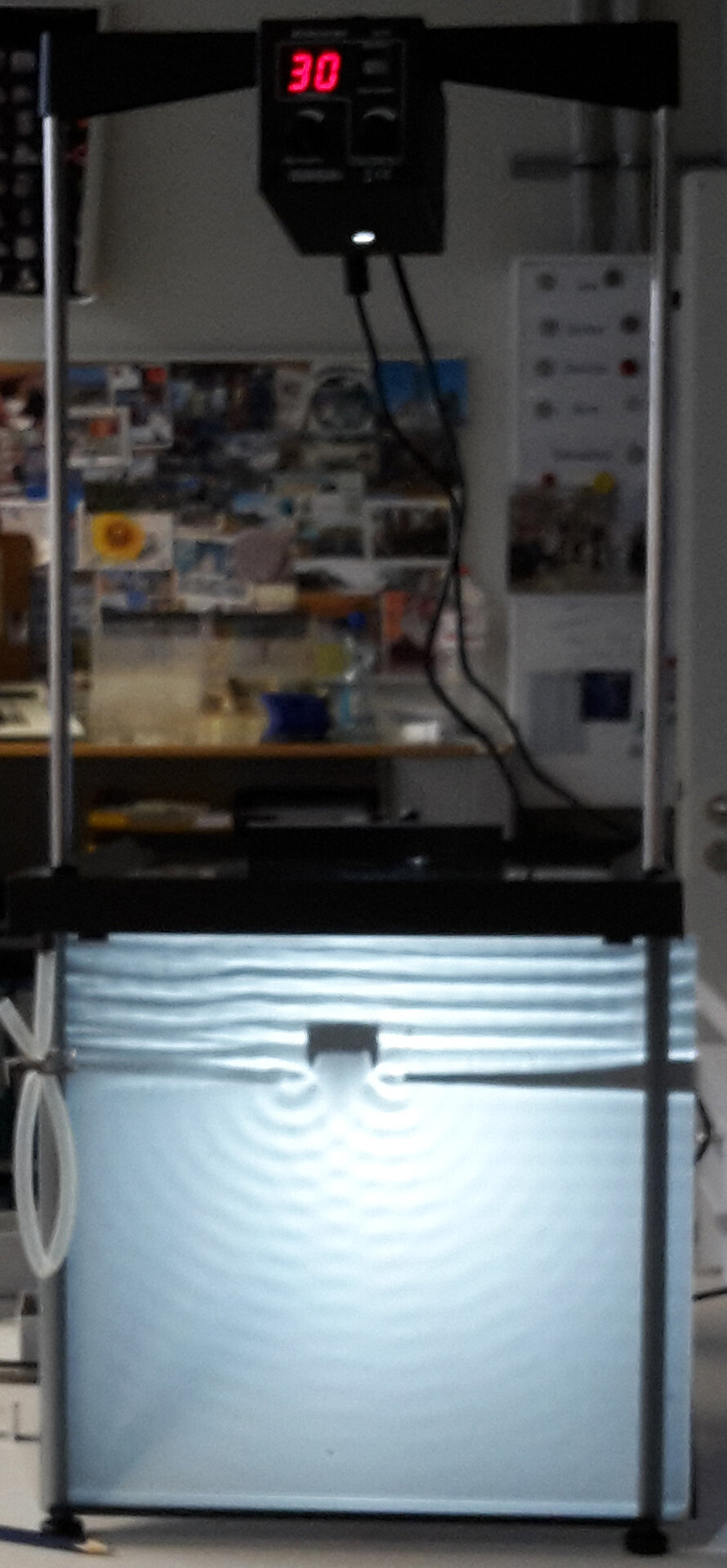
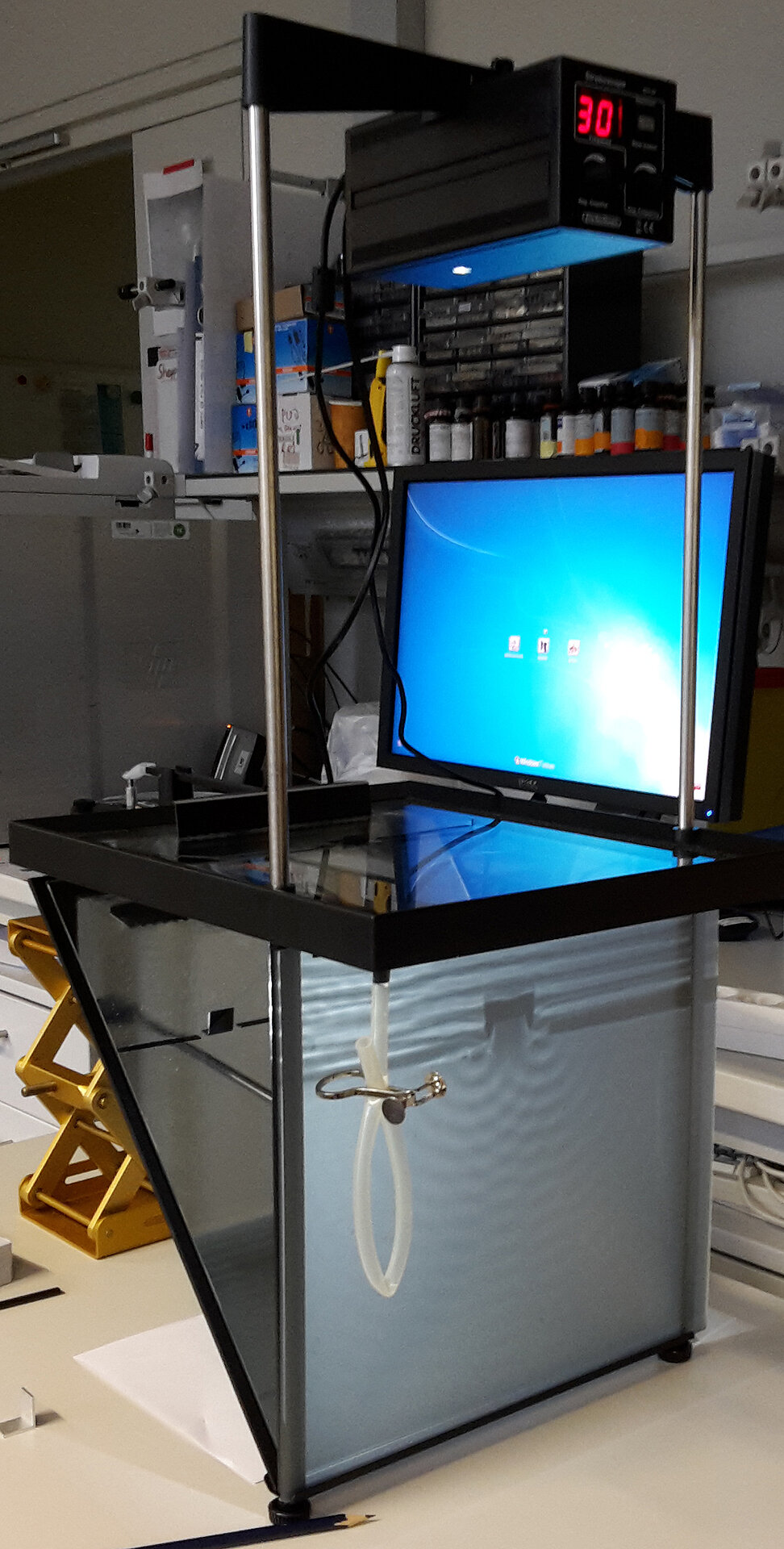
How do (optical) waves spread? How do they interact with each other?
Materials
Practical Setup
Idea/Implementation

Hands-on: Diffraction Demo
Concept demonstrated
Demonstrated how different wavelengths of light are scattered by differently sized objects.
Materials
- You can use anything that has a mesh with a small enough grating to show the effect of differently sized object features. In our case we use
- sieves ("Sortiersiebe") with two different gratings (eg. 106 and 130μm)
- dia-slides each with both a coarse and a fine grating (have them printed directly for this purpose)
- a pointy light source
- a dark room
Practical Setup
- each student gets his/her own diffraction gratings
- teacher holds light
- students observe and discuss with teacher different aspects of diffraction: How do the different wavelength behave? What is the effect of a smaller/bigger gratings? What does this mean translated into a microscope?
Idea/Implementation
Peter Evennett, Humberto Ibarra Avila, Britta Schroth-Diez
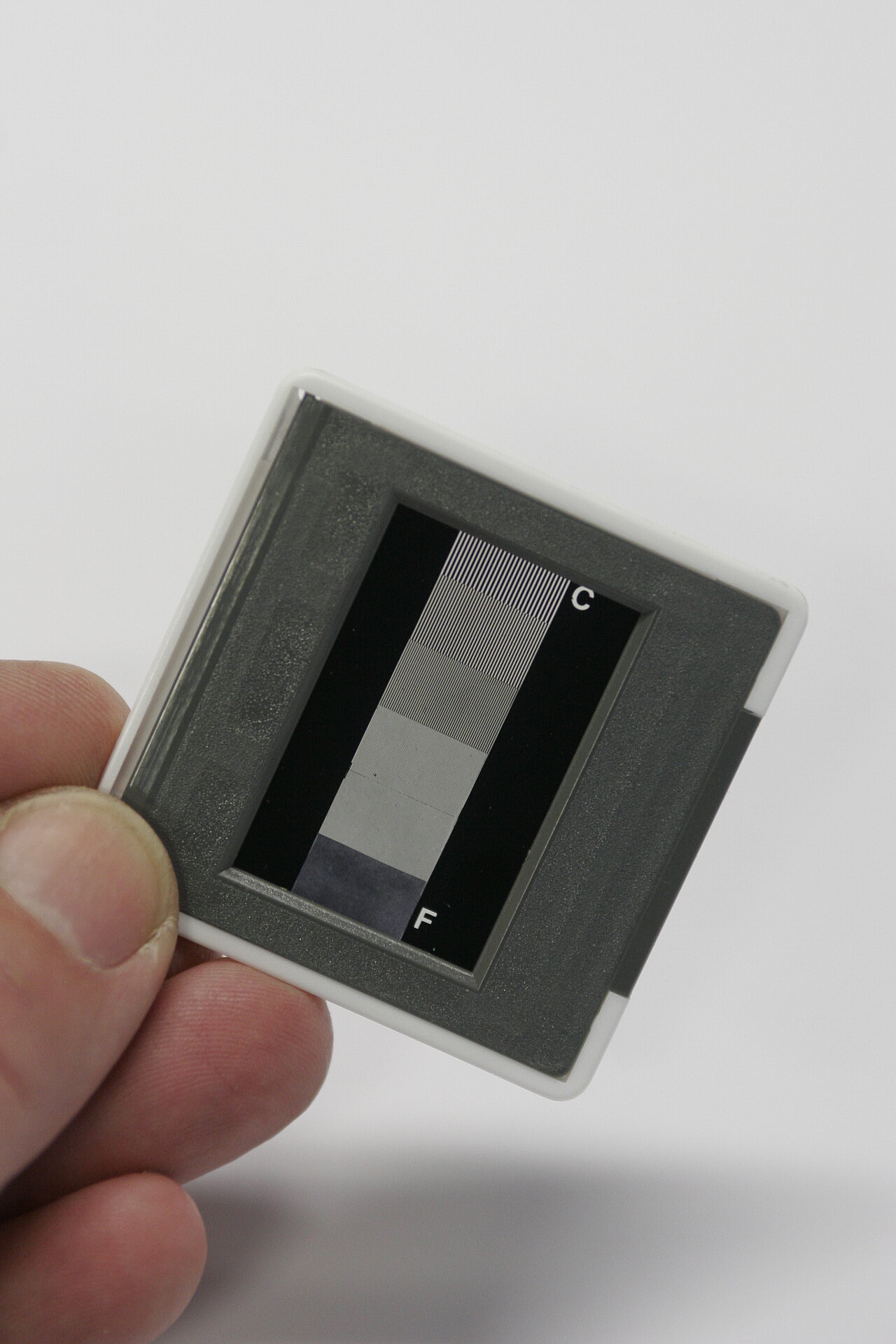
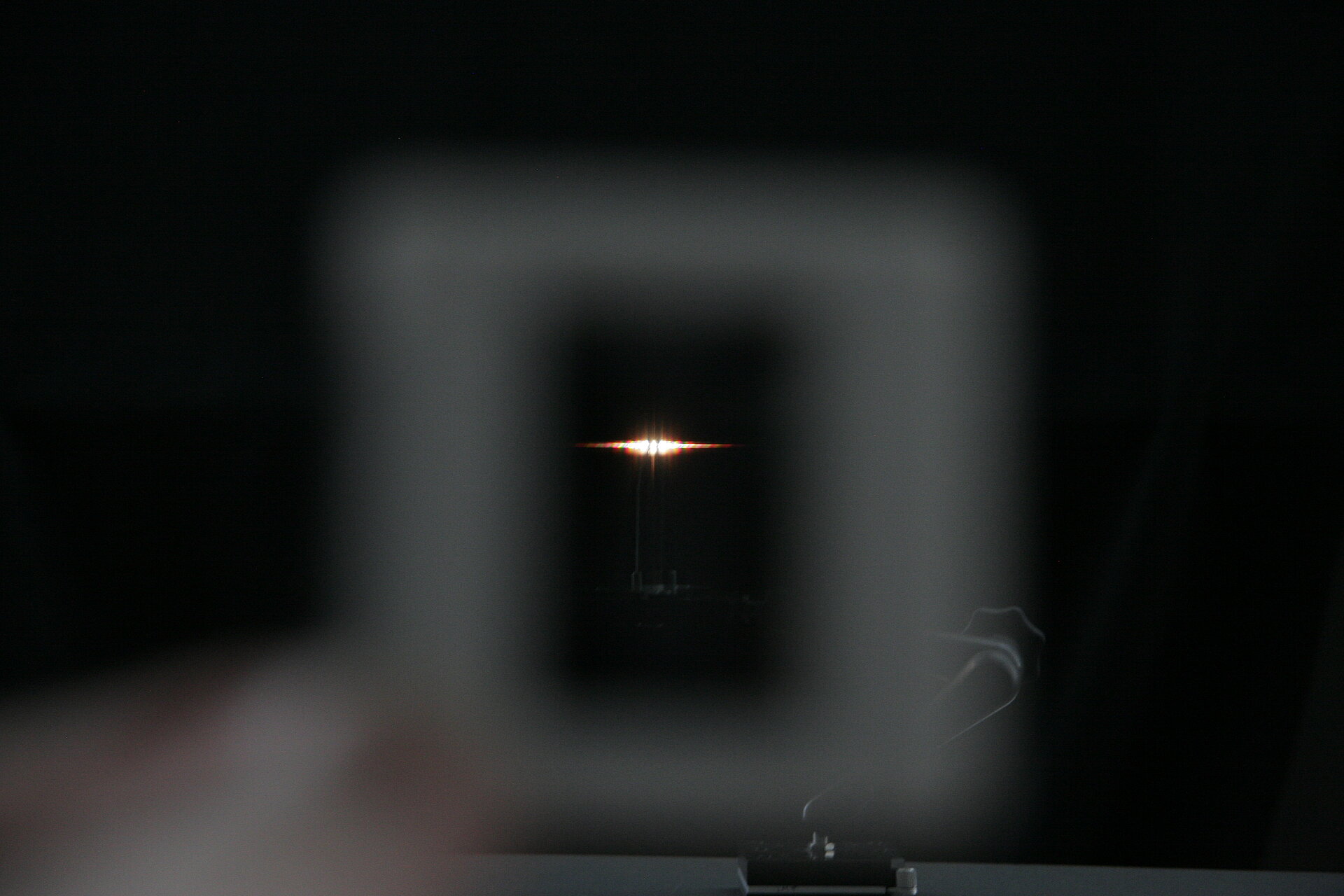
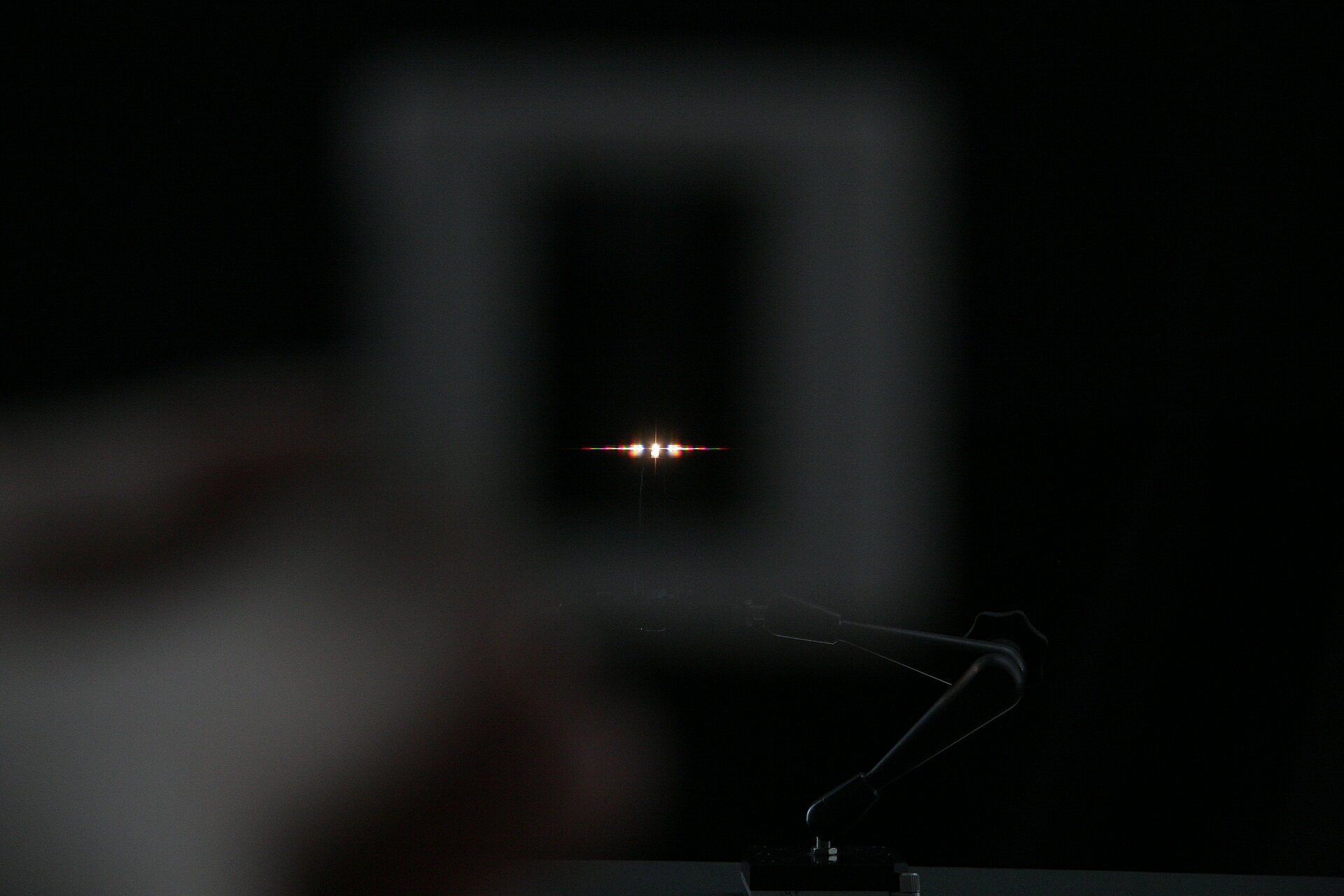

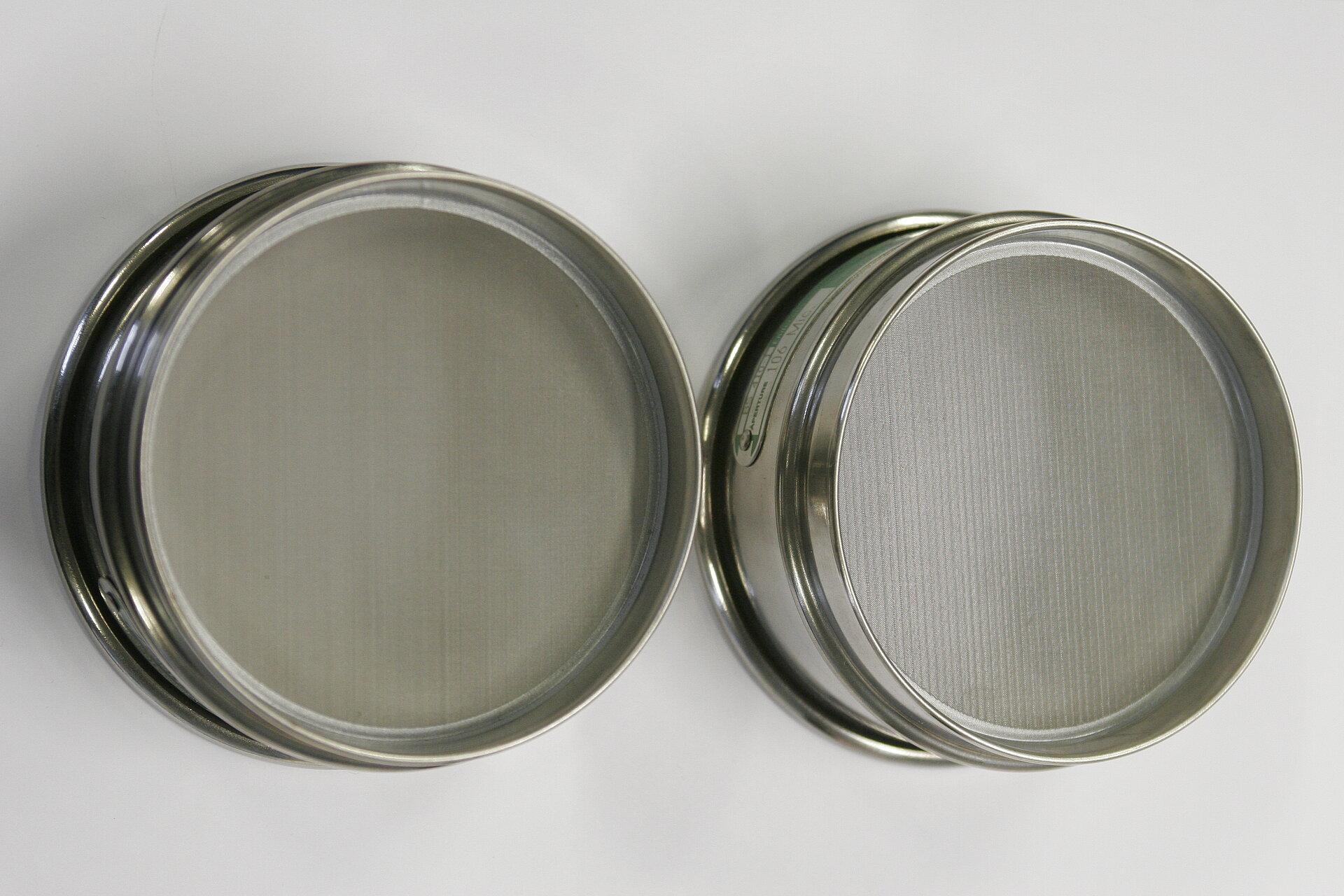
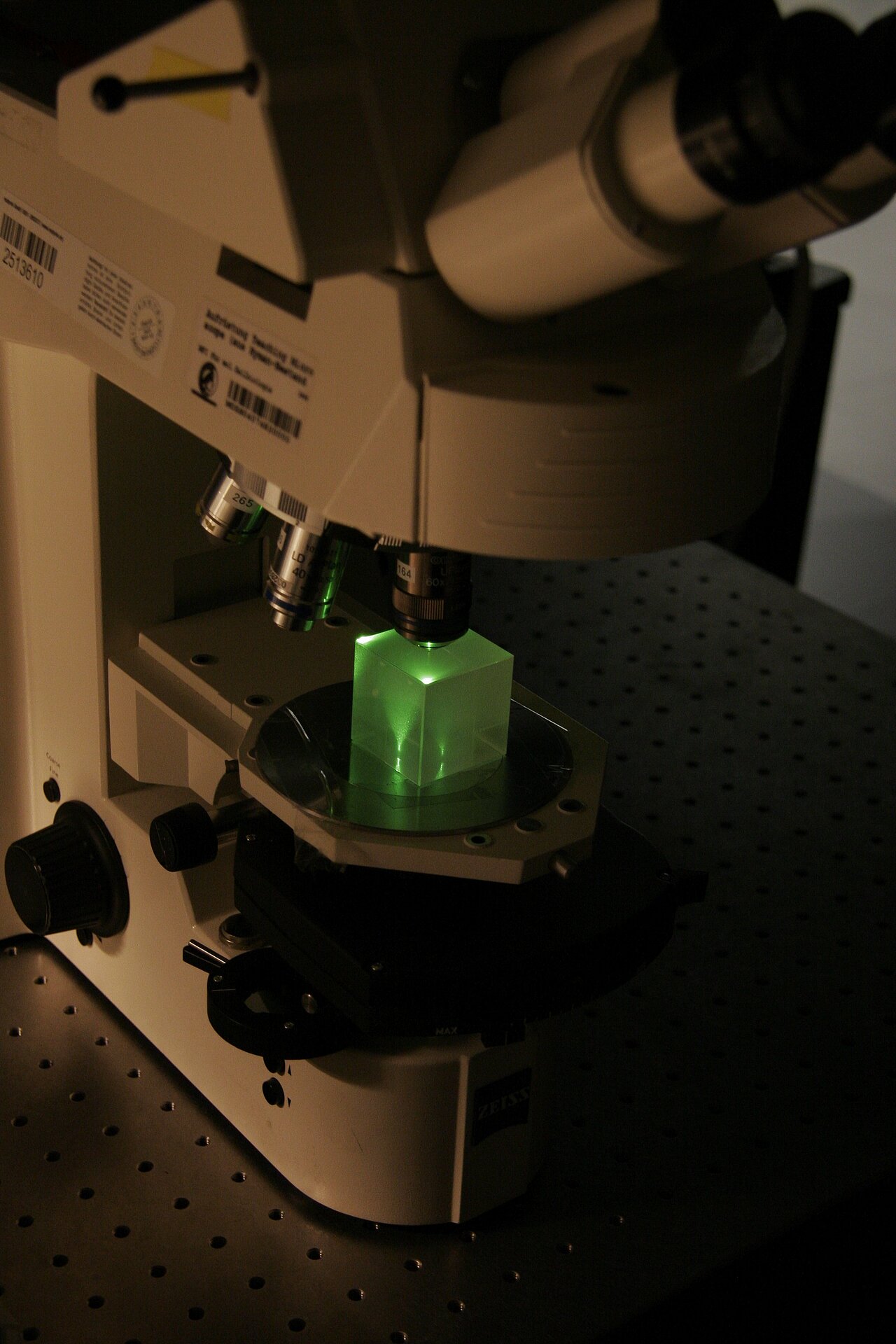
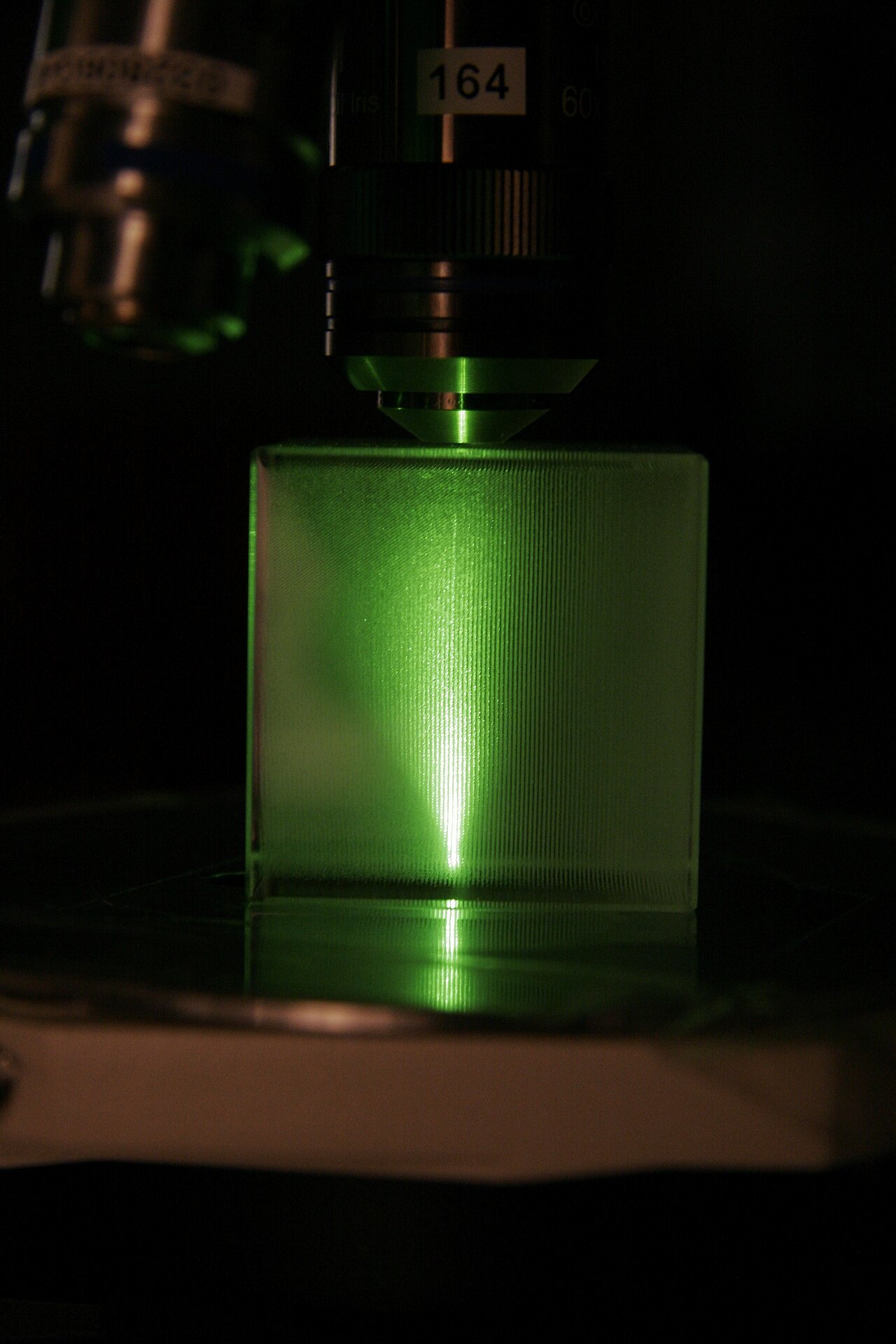
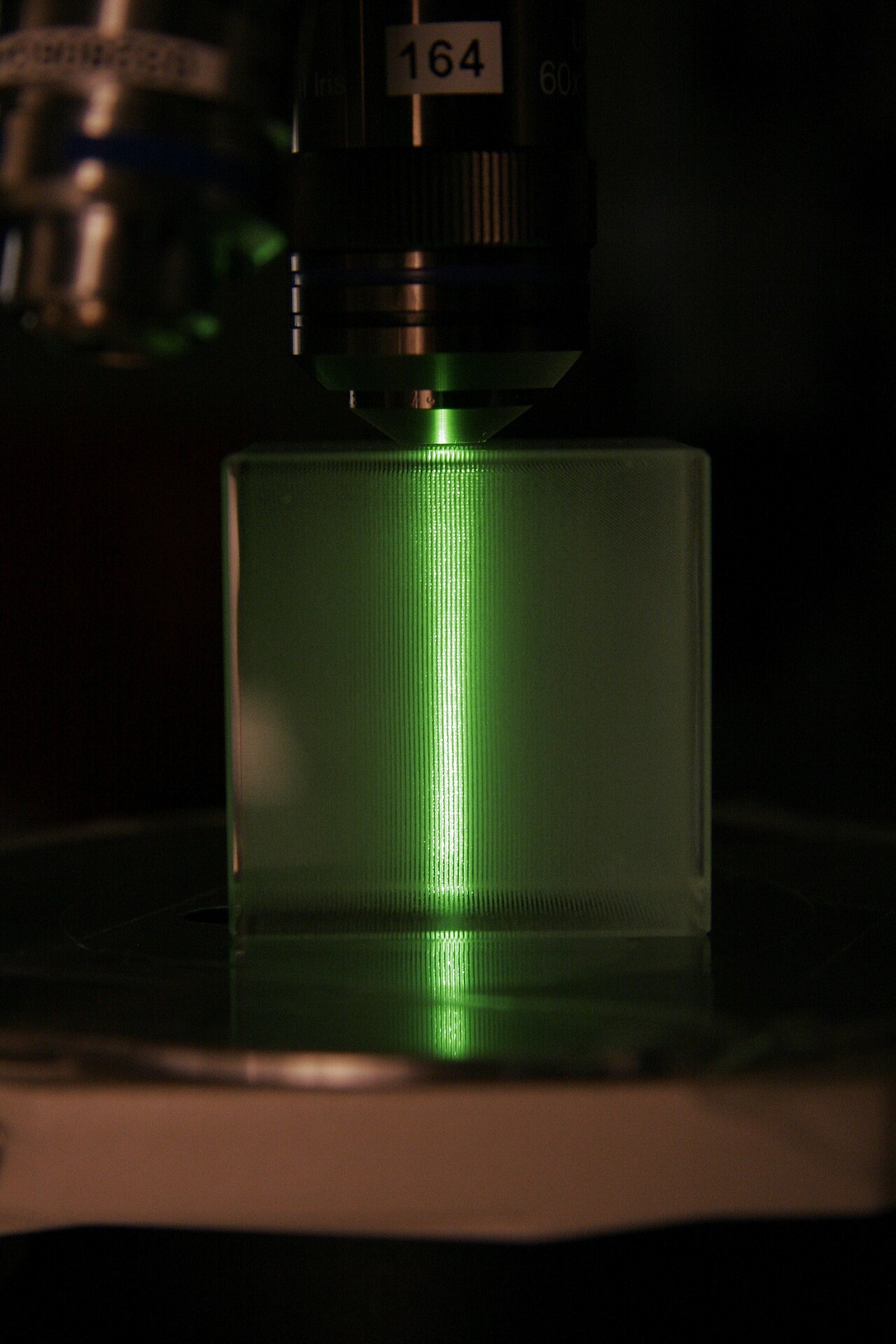
Hands-on: What is Numerical Aperture? Milky Glass Block Demo
Concept demonstrated
Demonstrates the effect of both objective and condenser Numerical Aperture.
Materials
- upright stand (for better visibility of objectives)
- microscope stand w/o stage (for more space)
- milky glass block
- ideally condenser with manual aperture diaphragm
- two transmitted light light sources (eg. Halogen lamps or white LEDs) ... one for the TL port, one for the RL port
- two differently coloured filters (to better distinguish top and bottom light), one in either (transmitted and reflected) beam path
Practical Setup
- Teacher demonstrates and explains while students stand around setup watching.
- Students might than also try to change aperture size and objectives.
Idea/Implementation
Peter Evennett, Jan Peychl
Hands-on: Numerical Aperture Measurements
Concept demonstrated
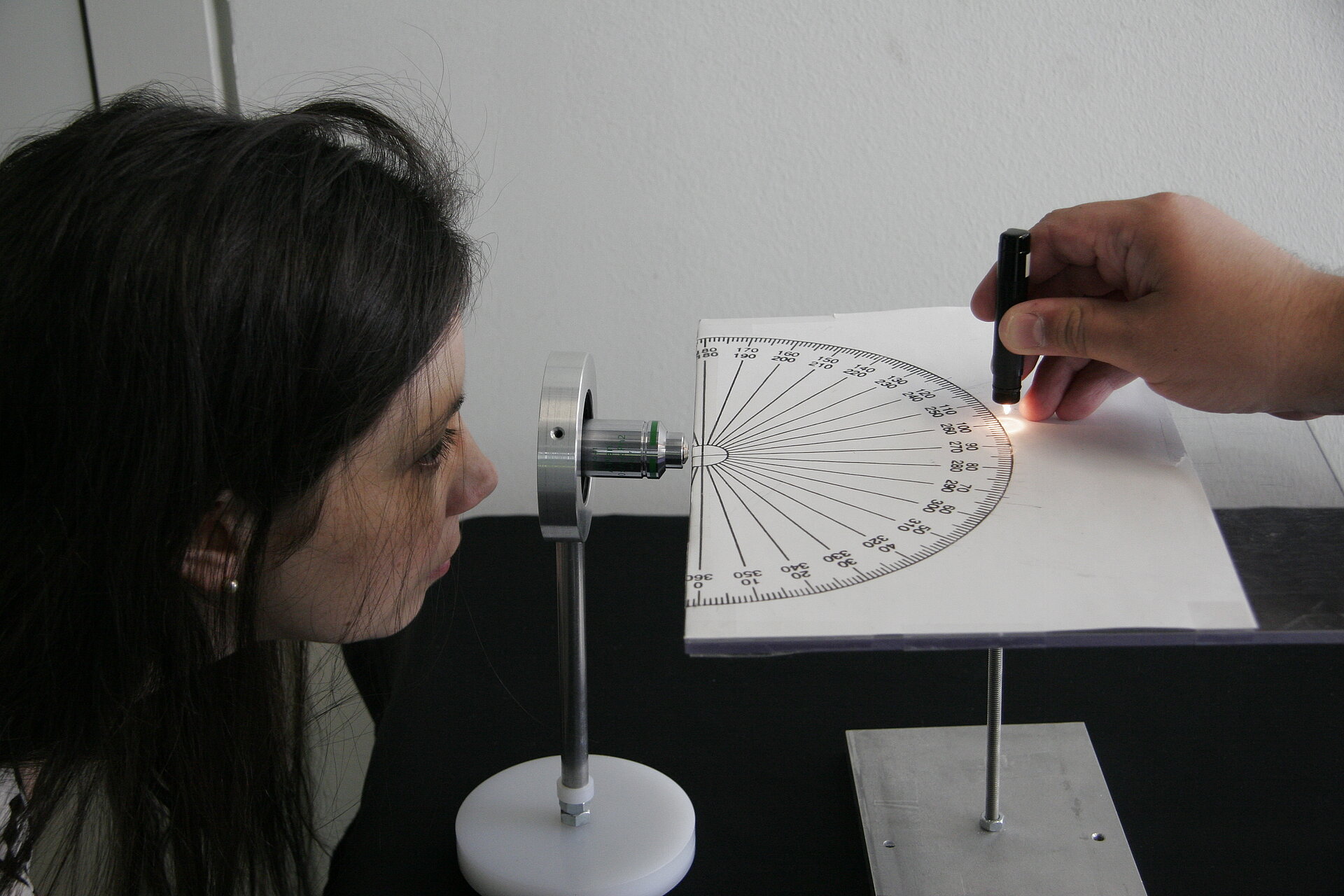
Demonstrates the effect of the Numerical Aperture of an objective. Opportunity to practice some calculations around resolutions and NA.
Materials
- pointy light source
- a stand with a horizontal 180° Protractor
- a stand with a mount for an objective at the same height as the protractor stand
- two air objectives with as different NAs as possible
- a calculator
Practical Setup
- Start by mounting the objective with the lower NA.
- Let one student hold the light source onto the protractor at 0° (in a straight line with the objective)
- another student sits behind the objective and tries to see the light through the objective. Make sure the student finds the best possible focus point.
- Then let the first student move the lamp slowly (!) around one side of the protractor.
- The second student says "stop" as soon as the light moves out of his (the objective's) field of view.
- Mark the angle on the protractor.
- Switch to the higher NA objective and repeat steps above.
- The clear difference in the size of the field of view of the different NA objectives is usually quite impressive by itself.
- Also, from the angles, let the students calculate backwards to the NA ... does it match the number written on the objective?
- Taking the NA, let the students calculate the resolution of both objectives for a given wavelength ... discuss the difference.
- With the objectives at hand (ie. air objectives) what is the highest resolution obtainable (taking a again a wavelength in the middle visible range)? What would one have to do in order to reach better resolutions?
Idea/Implementation
Humberto Ibarra Avila, Silke White
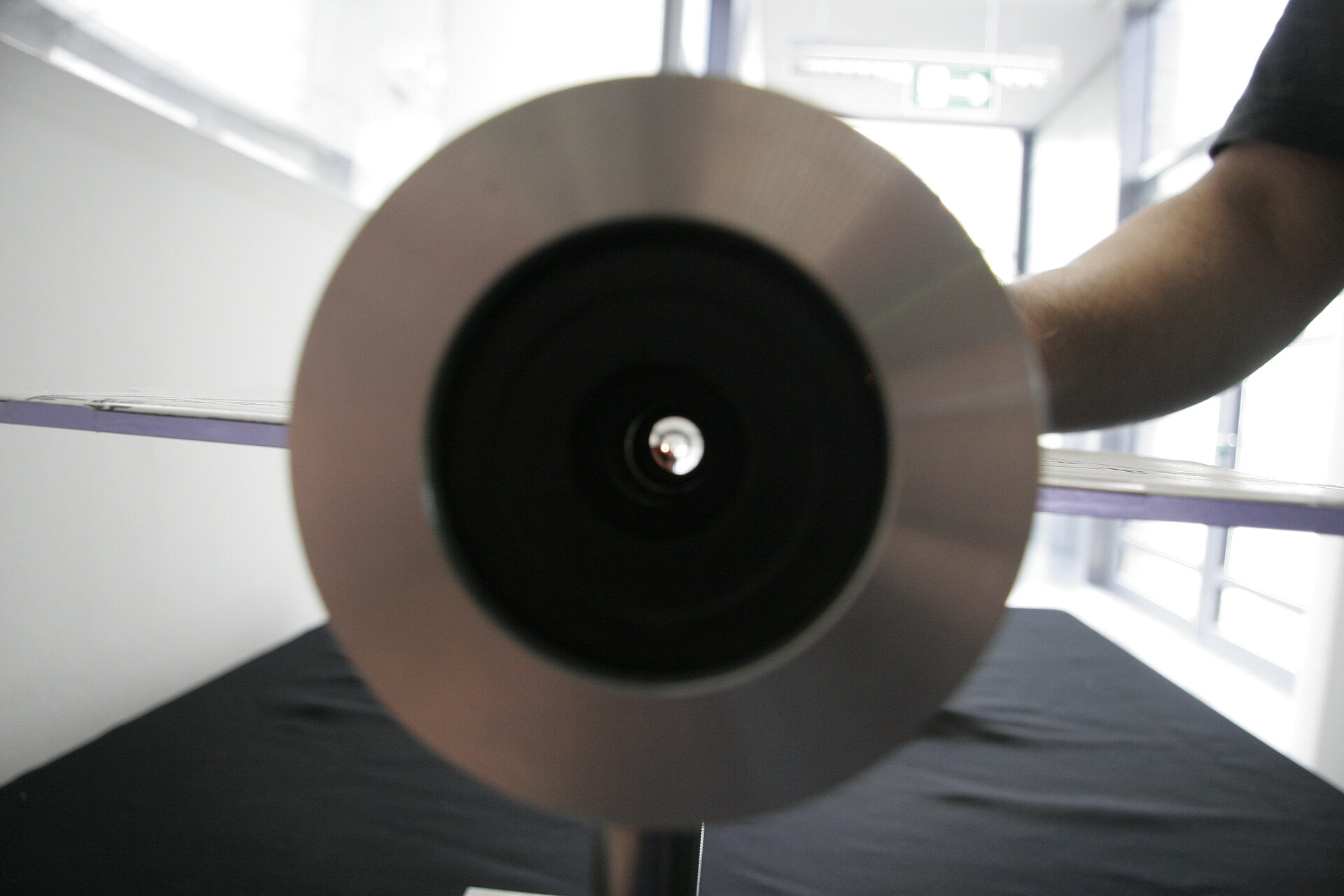
Theory
Hands-on: Birefrigence
Concept demonstrated
Demonstrates the impact of materials with two different refractive indices.
Materials
- calcite block
- piece of paper with black dot on it
Practical Setup
- if you have several calcite blocks, give each (group of) student one.
- if you have only one calcite block, take an overhead projector to present
- draw a black dot on a piece of paper and put the calcite block on top of it, then rotate it above the dot. What happens? Why?
Idea/Implementation
Peter Evennett
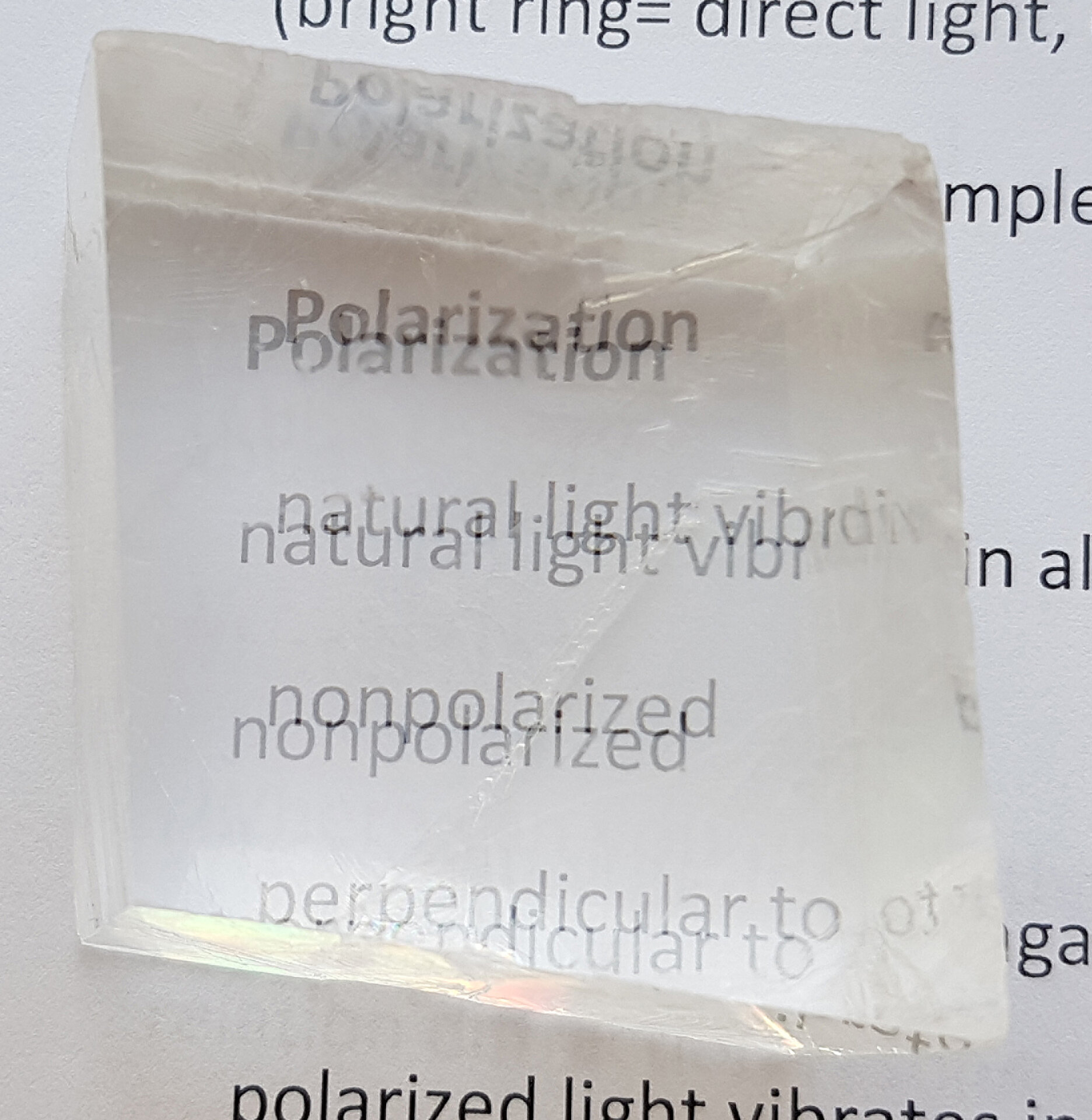
Hands-on: Polarization
Concept demonstrated
Demonstrates how polarizers block out light and what happens when birefrigent objects get inbetween.
Materials
- a bigger, flat light source
- two sheets of polarizers for each student (alternatively only one polarizer for each student and an already polarized light source (eg a computer screen))
- gummibears
- rulers
- calcite blocks
- other birefrigent objects
Practical Setup
- each student can hold his/her polarizer(s) in front of the light source and rotate the polarizer(s). What happens?
- then let them take a biregringent object and put it inbetween the polarizers ... observe what happens. Why?
Idea/Implementation
Peter Evennett, Humberto Ibarra Avila, Britta Schroth-Diez
Hands-on: Fluorescent Bottles
Concept demonstrated
Demonstrates the concept of fluorescence absorption and emission.
Materials
- clear plastic or glass bottles
- laser pointers with different wavelengths
- different solutions of fluorescent liquid. In our case: tonic water (quinine), solution of alexa fluor 488 carboxylic acid, solution of alexa fluor 633 carboxylic acid (eg. from Invitrogen)
Practical Setup
- stand bottle with prepared solutions in a line in front of a white background
- teacher shines (405 nm?) laser beam from the opposite side through the bottles
- students observe the colours (ie. absorption and emission properties of the different solutions) by looking perpendicular onto the setup.
Warning: do NOT point laser towards students!
Idea/Implementation
Ruth Hans


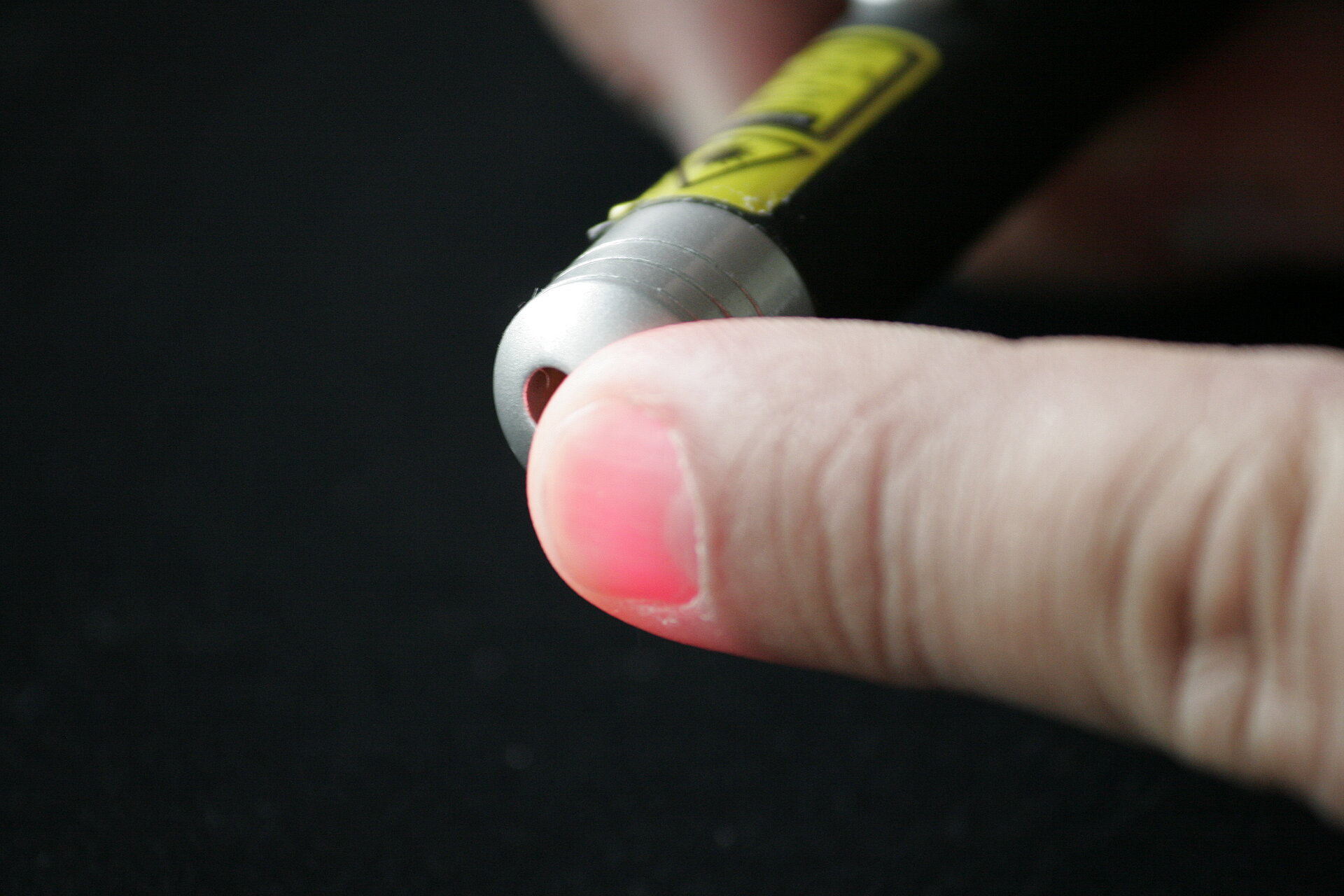
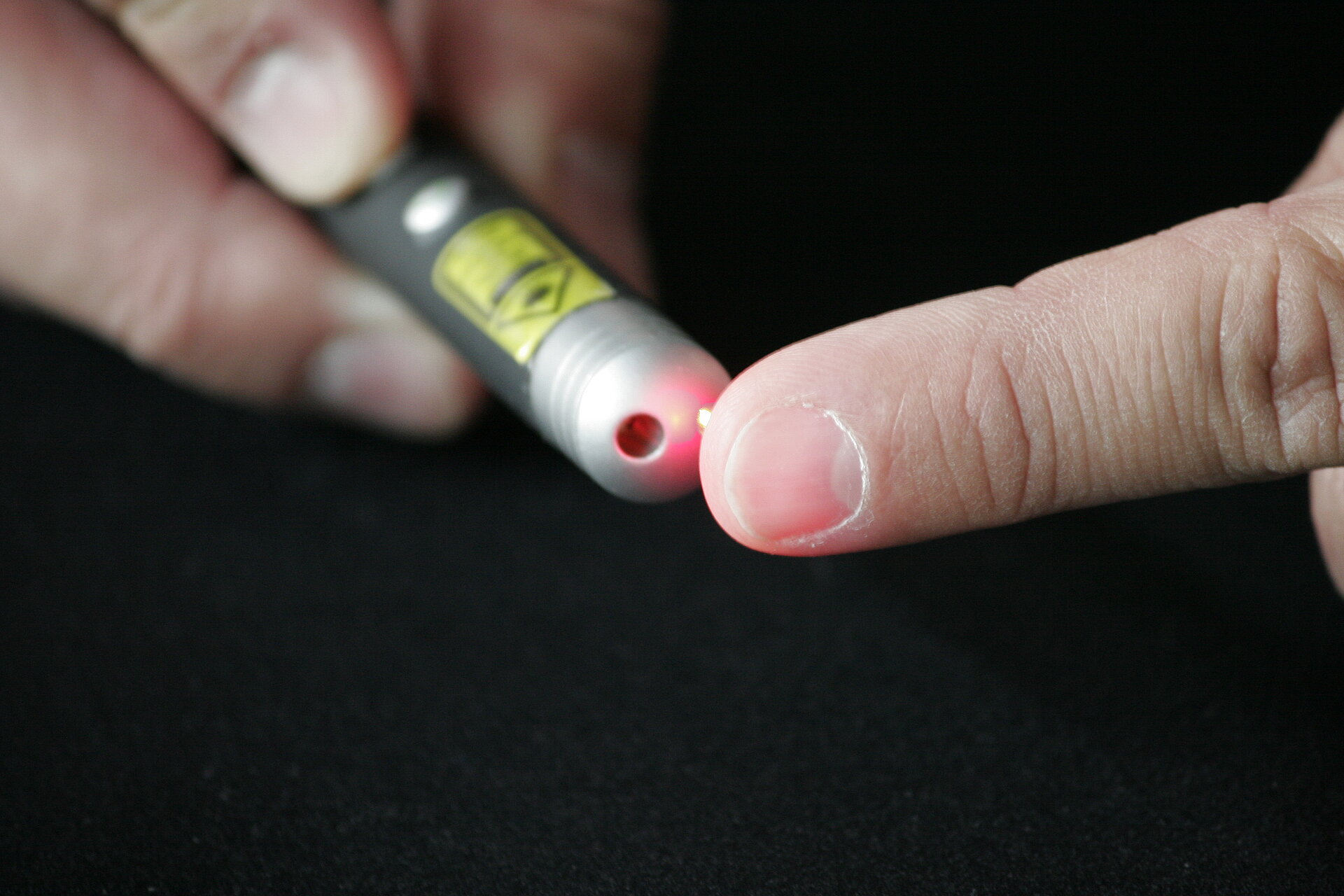
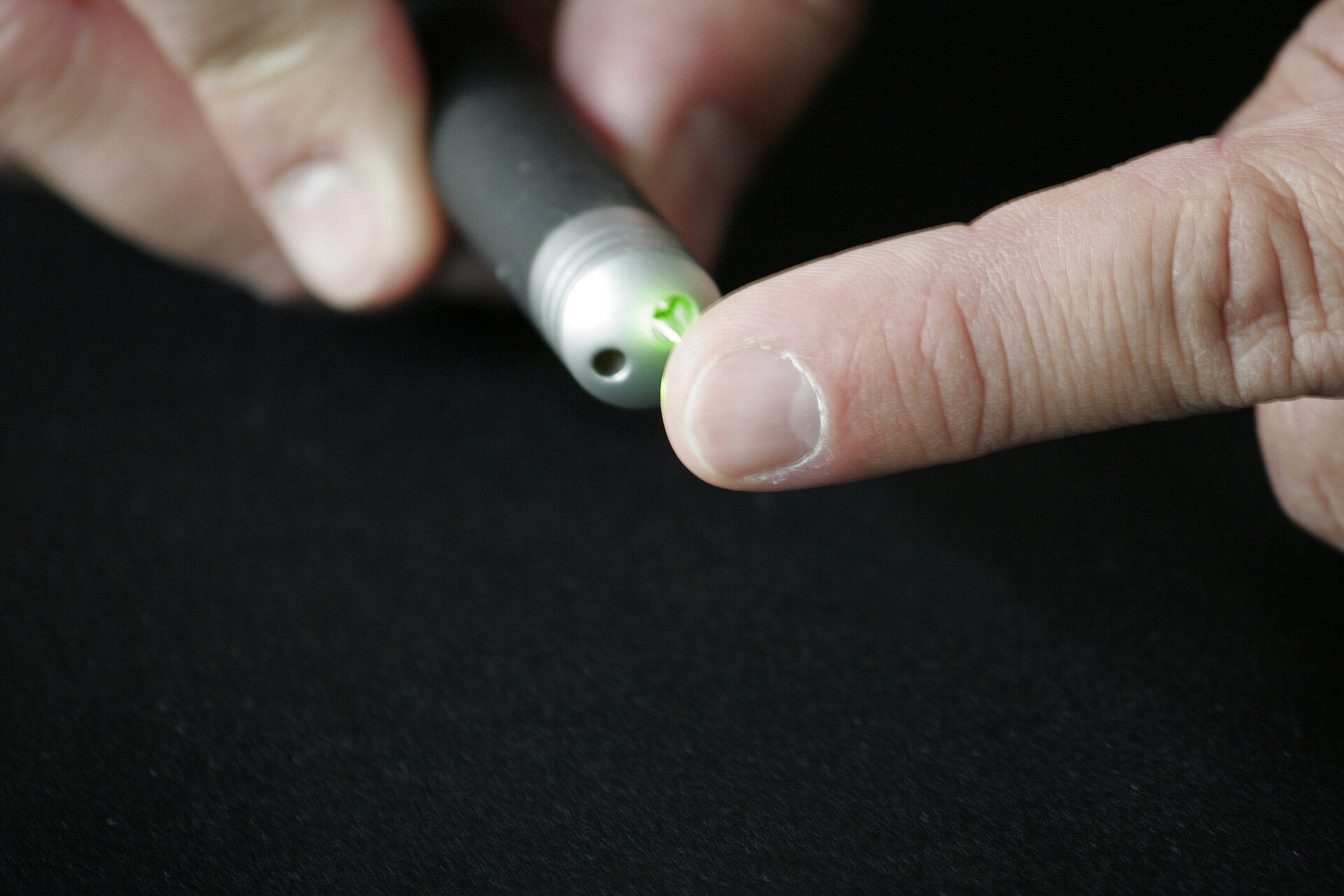
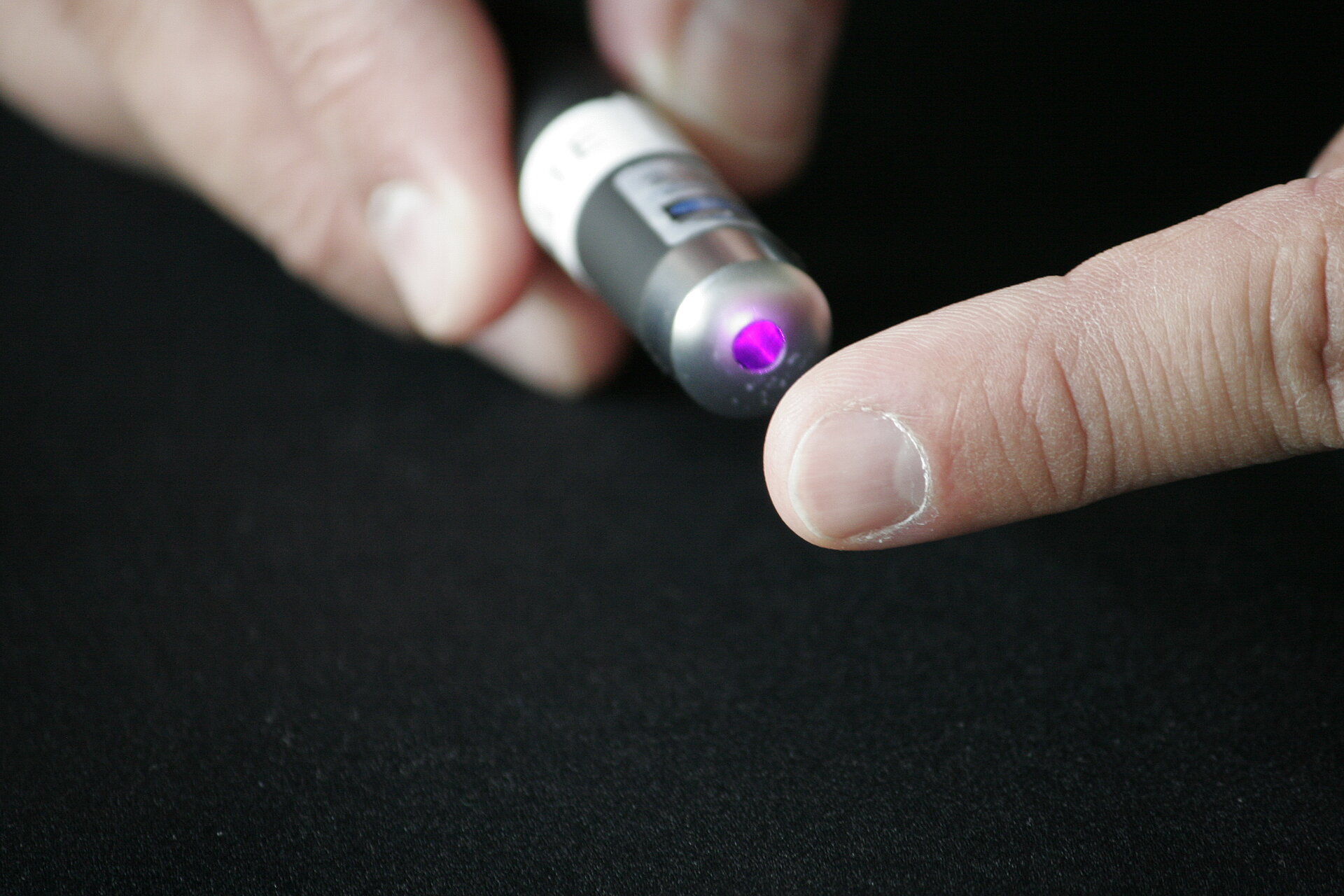
Hands-on: Laser Tissue Scattering
Concept demonstrated
Demonstrates the penetration depth of different wavelength.
Materials
- laser pointers with different wavelengths
- your finger
- a dark room
Practical Setup
The teacher holds laser pointer onto his finger in clear view of students and "shoots" different wavelengths through.
Which one can students still see on the other side of the finger?
Warning: do NOT point laser towards students!
Idea/Implementation
Peter Pitrone
Hands-on: Optical Bench III - Spinning Disc
Concept demonstrated
Materials
Practical Setup
Idea/Implementation
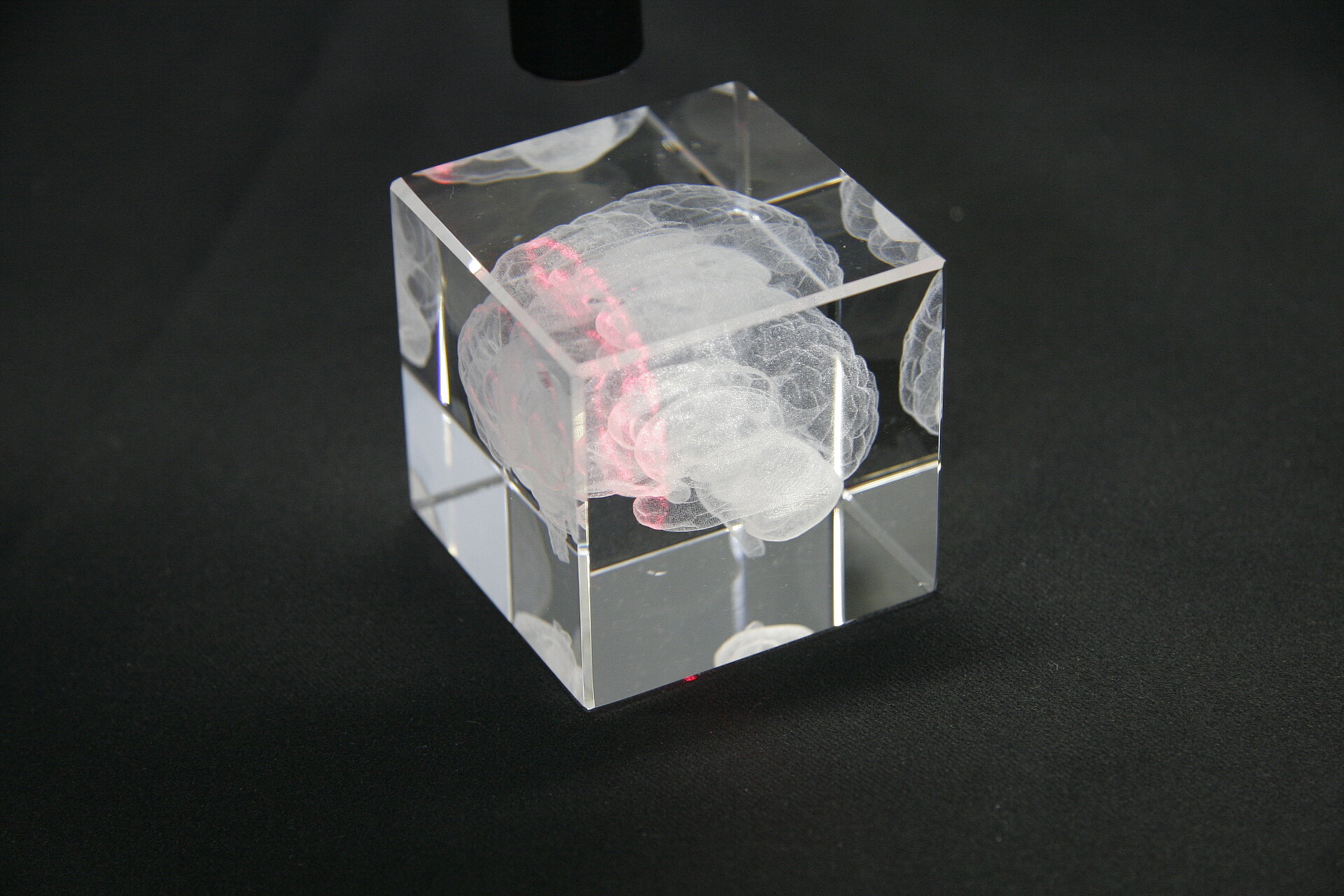
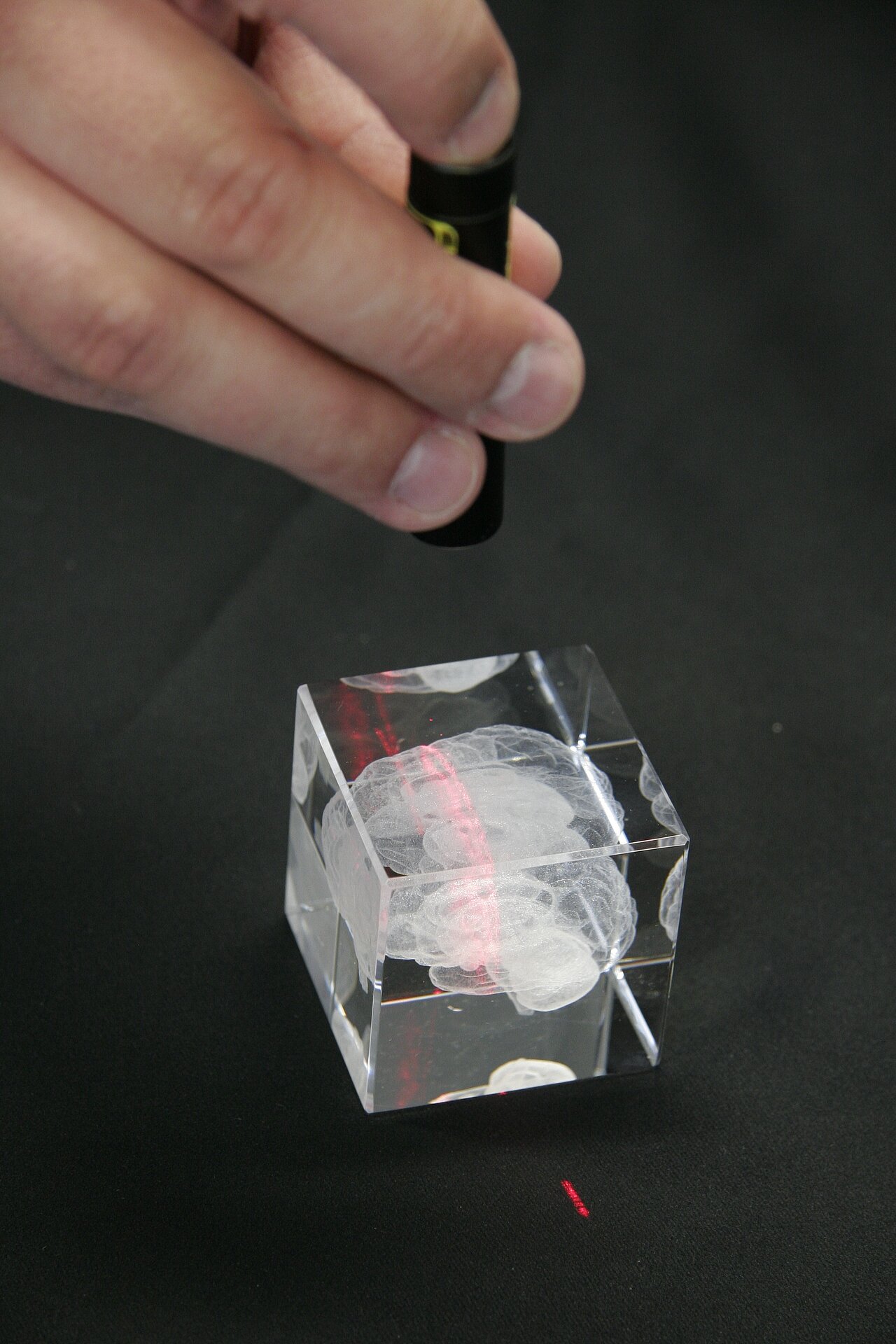
Hands-on: Light Sheet
Concept demonstrated
Demonstrates how a light sheet illuminates a sample.
Materials
- glass block with etched in 3D Image (in our case: a brain)
- a laser "pointer" that creates a light sheet (eg. from Picotronic/Laser Fuchs)
- darkened room
Practical Setup
- stand glass block on blackish surface or hold it up
- shine light sheet laser pointer through the glass block
Warning: do NOT point laser towards students!
Idea/Implementation
Olaf Selchow (Carl Zeiss Microsystems)

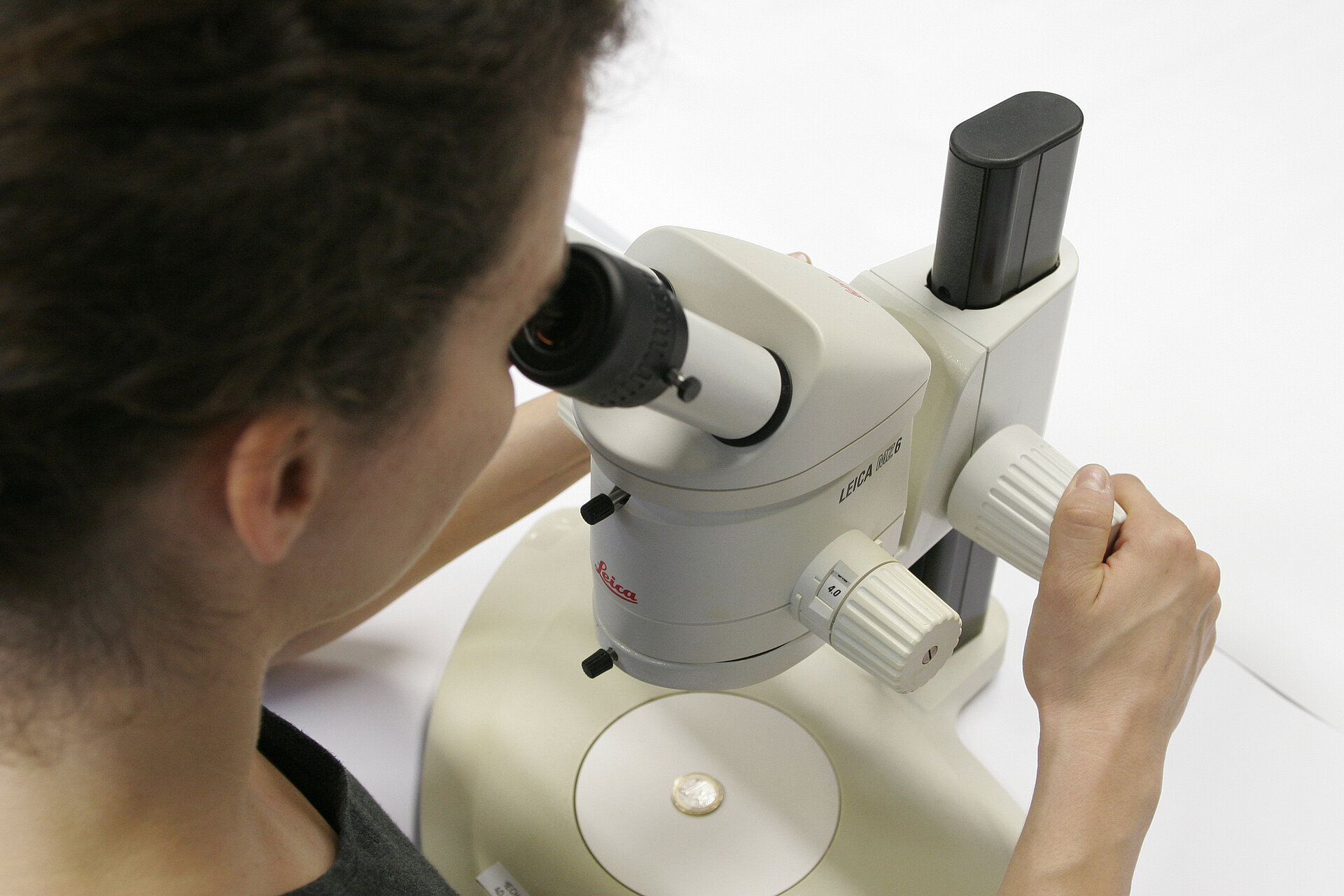
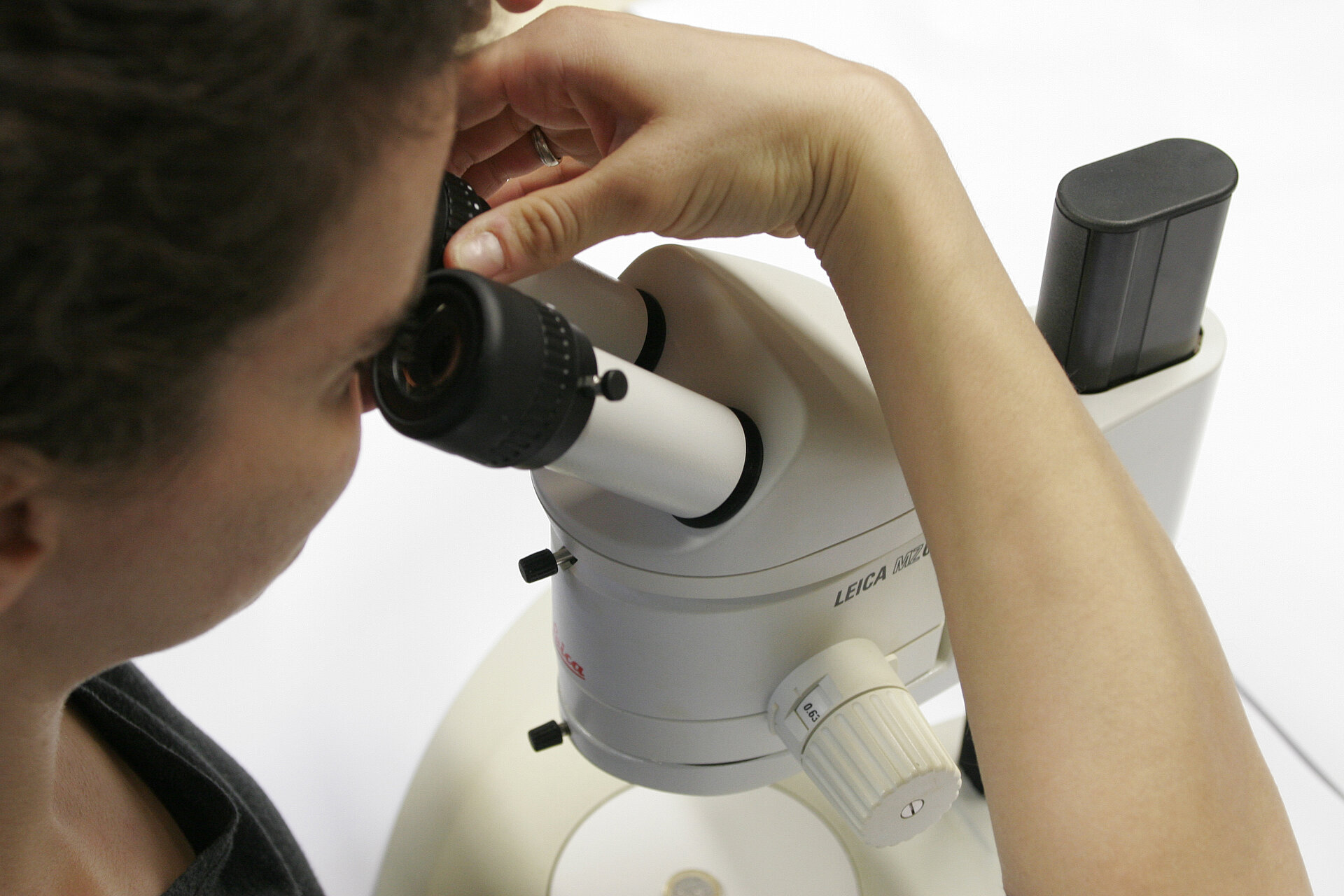
Hands-on: Depth of Field and Depth of Focus
Concept demonstrated
Show students how to properly align their microscope for parfocality by teaching them the concepts of depth of field and depth of focus.
Materials
Any microscope with adjustable eyepieces and several different magnification (air) objectives will do. For demonstration purposes, a stereoscope/microscope with a continuos magnification changer and adjustable eyepieces is most suitable.
Practical Setup
The students stand around the demo-microscope while teacher explains and shows how to set the microscope up for proper parfocality. Then they should repeat on their student microscopes (or in turn on the demo set up).
How to:
- Go to the highest magnification and focus using the focus the sample using the focus knob of the microscope (Depth of Field).
- Then change to the lowest magnification and DO NOT touch the focus knob anymore. The image should now be brought back into focus by adjusting the eypieces one after the other (Depth of Focus).
- Take care to always leave both eyes open for optimal results! If you have troubles concentrating on the image of one eypiece with the other eye open, simply hold a piece of paper above the not used eypiece.
- You should now have achived parfocality, meaning as you change magnifications the sample should stay in focus.
Idea/Implementation
Peter Evennett, Jan Peychl
Theory
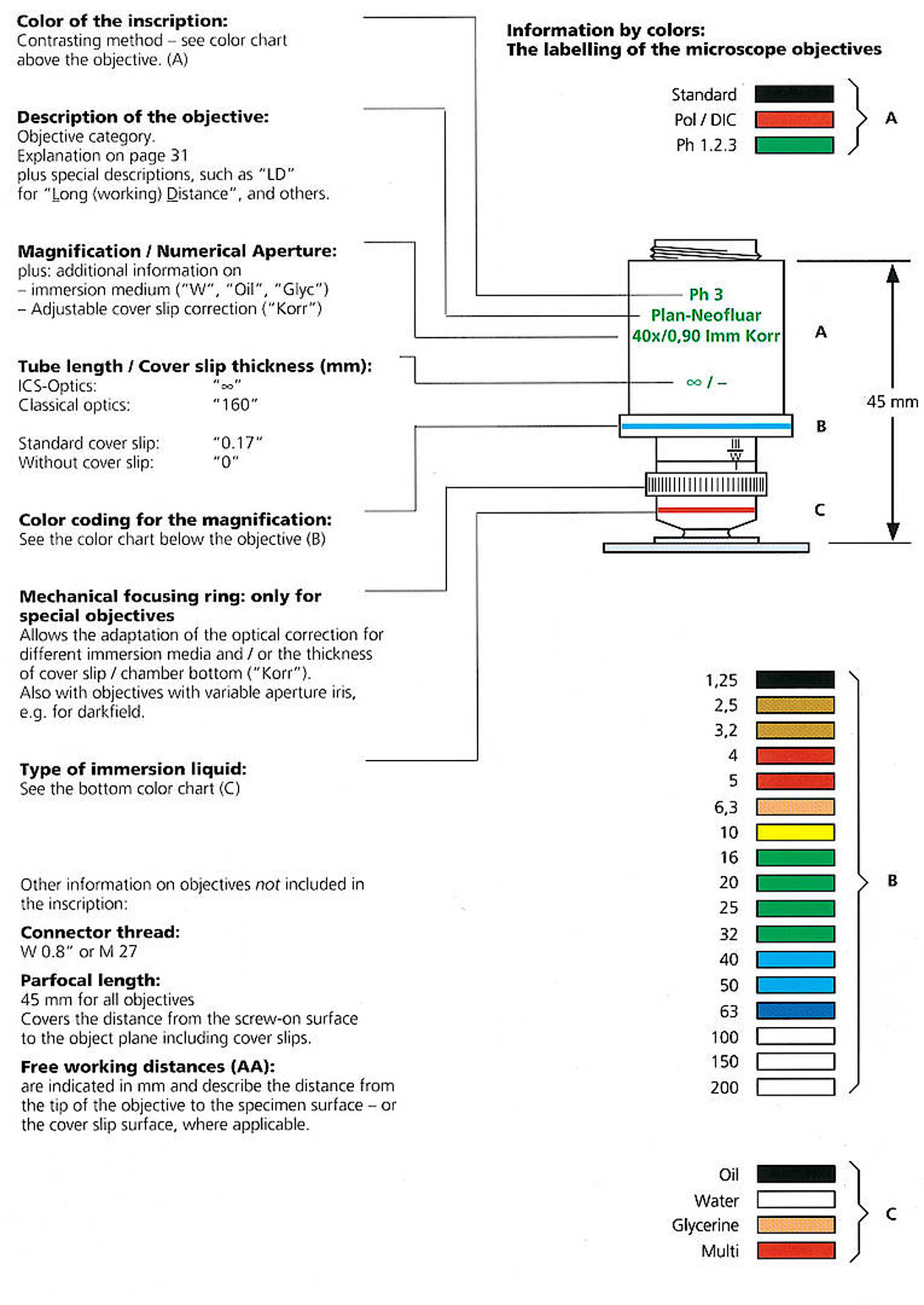
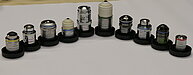
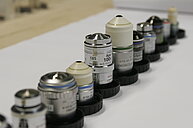
Hands-on: Objective Reading
Concept demonstrated
Most students have no idea what all those numbers on microscope objectives stand for. The idea is to present them with a range of different objectives and help them understand them.
Materials
- A range of different objectives: different vendors, magnifications, NAs, working distance, contrasting methods, immersion method, coverslip thickness, working distance etc.
- Have at least enough objectives so that each student has one.
Practical Setup
- The students get one objective each and are told to study it for a couple of minutes.
- They are then to introduce their objectives one by one to the rest of the group, explaining all it's features with the help and by discussing with teacher and the other students.
Idea/Implementation
Peter Evennett, Britta Schroth-Diez, Silke White
 © BioDIP
 © BioDIP
 © BioDIP
Hands-on: Digital Image Sampling
Concept demonstrated
Helps students to get an idea of pixel sizes, resolution and the correct sampling.
Materials
for each student:
- several checkered sheet of paper/cardboard (every sheet showing differently sized squares)
- differently sized "samples": eg. sesame seed, sunflower seeds, gummibears,..
Practical Setup
- students "throw" the samples on the sheets of paper
- discuss with which sizes of squares they can "resolve" which of the samples.
- How does that translate into digital microscopy?
- discuss different scenarios: Can you resolve the biggest samples (eg Gummibears) with the smallest squares chequered board? Yes. But is that a good idea?
- Which other parameters next to resolution should you consider?
Idea/Implementation
Dan White, Britta Schroth-Diez, Jan Peychl
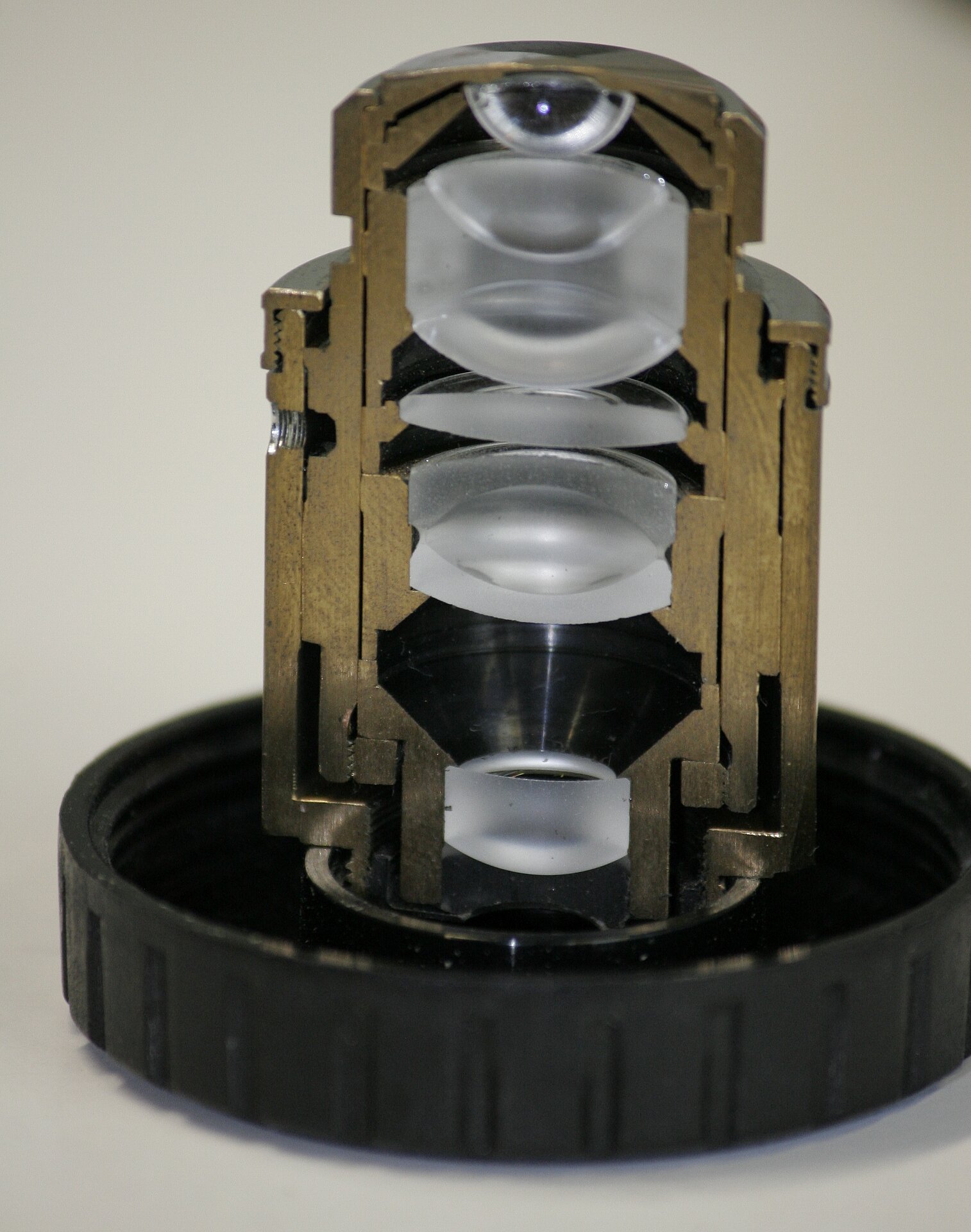
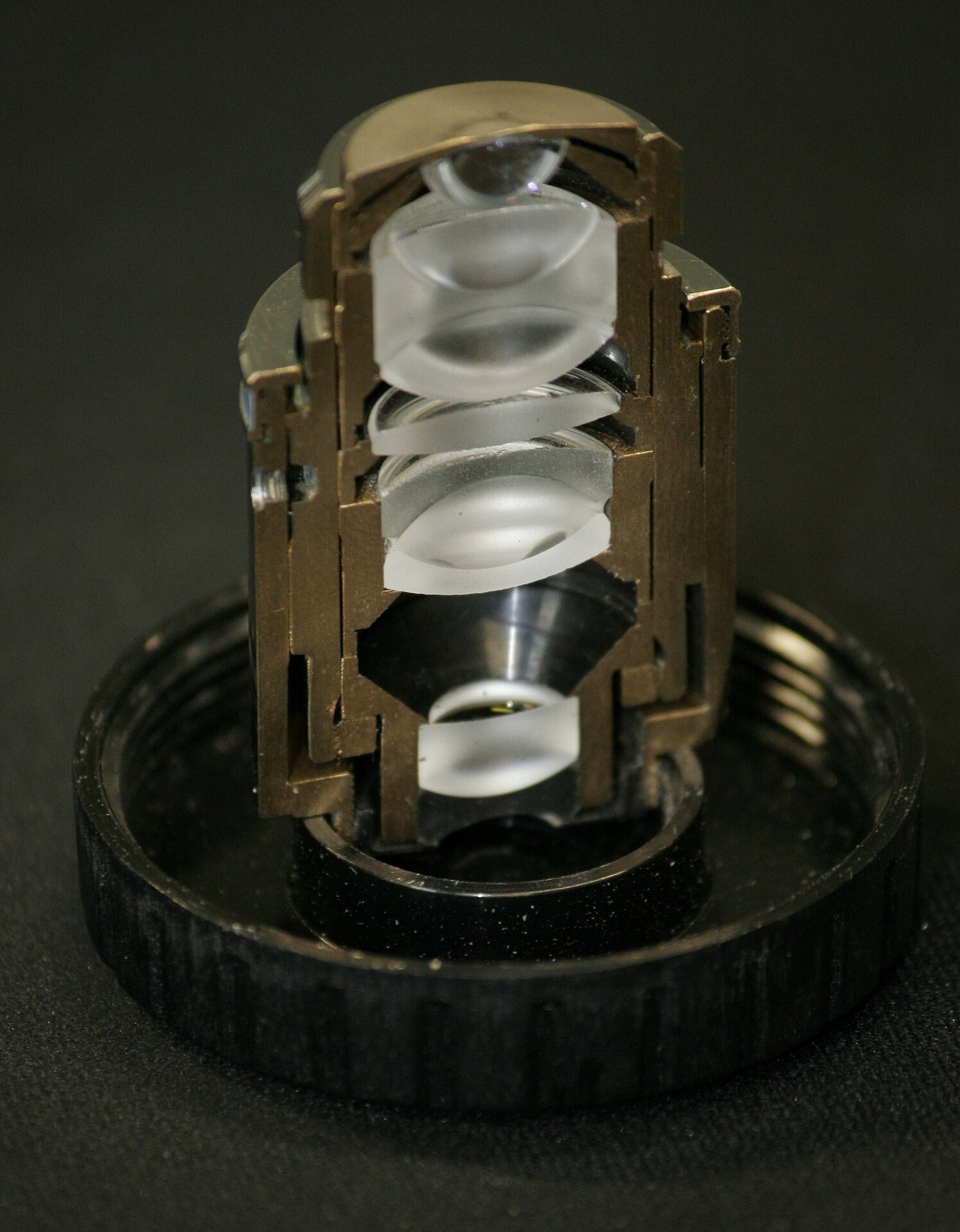
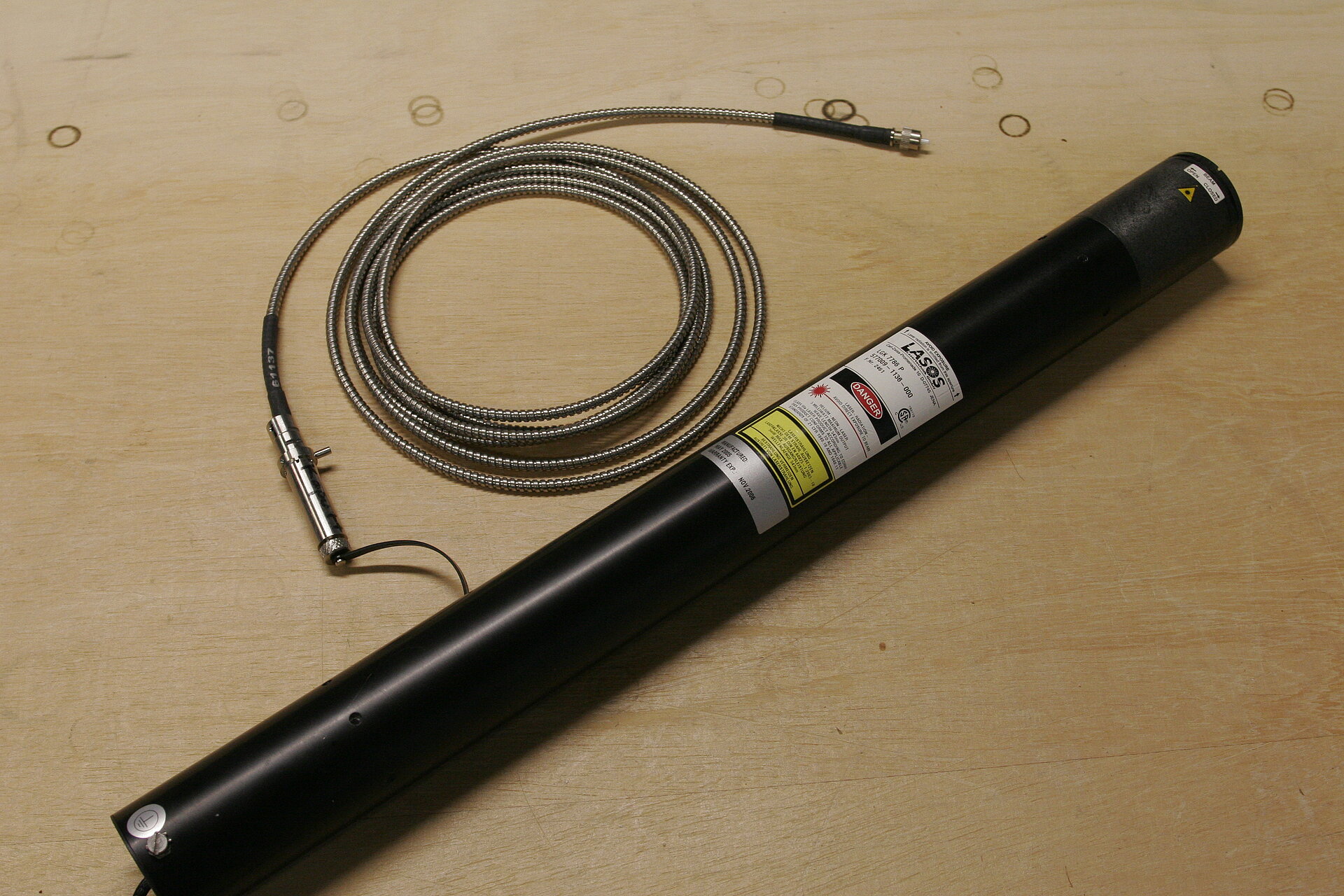
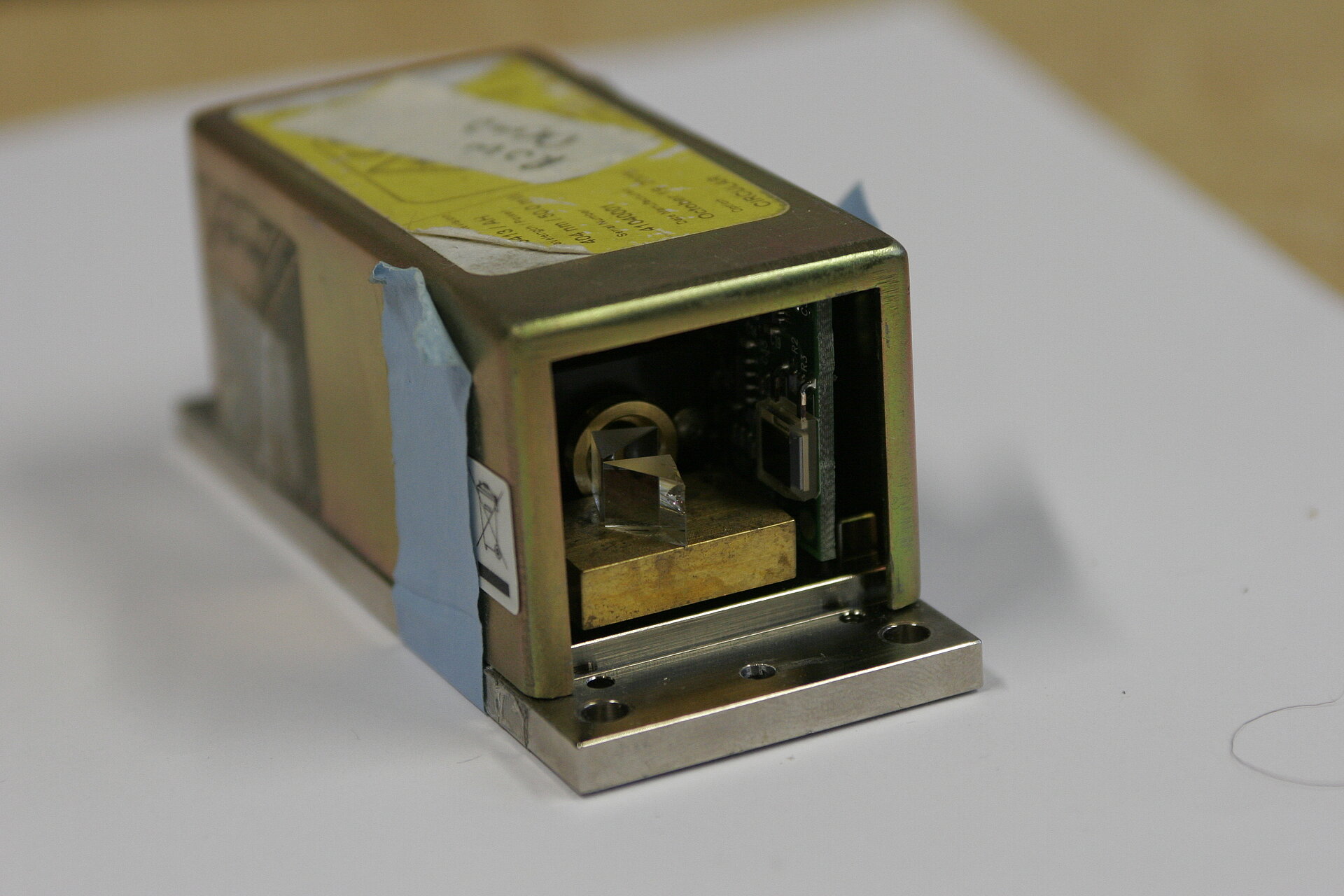
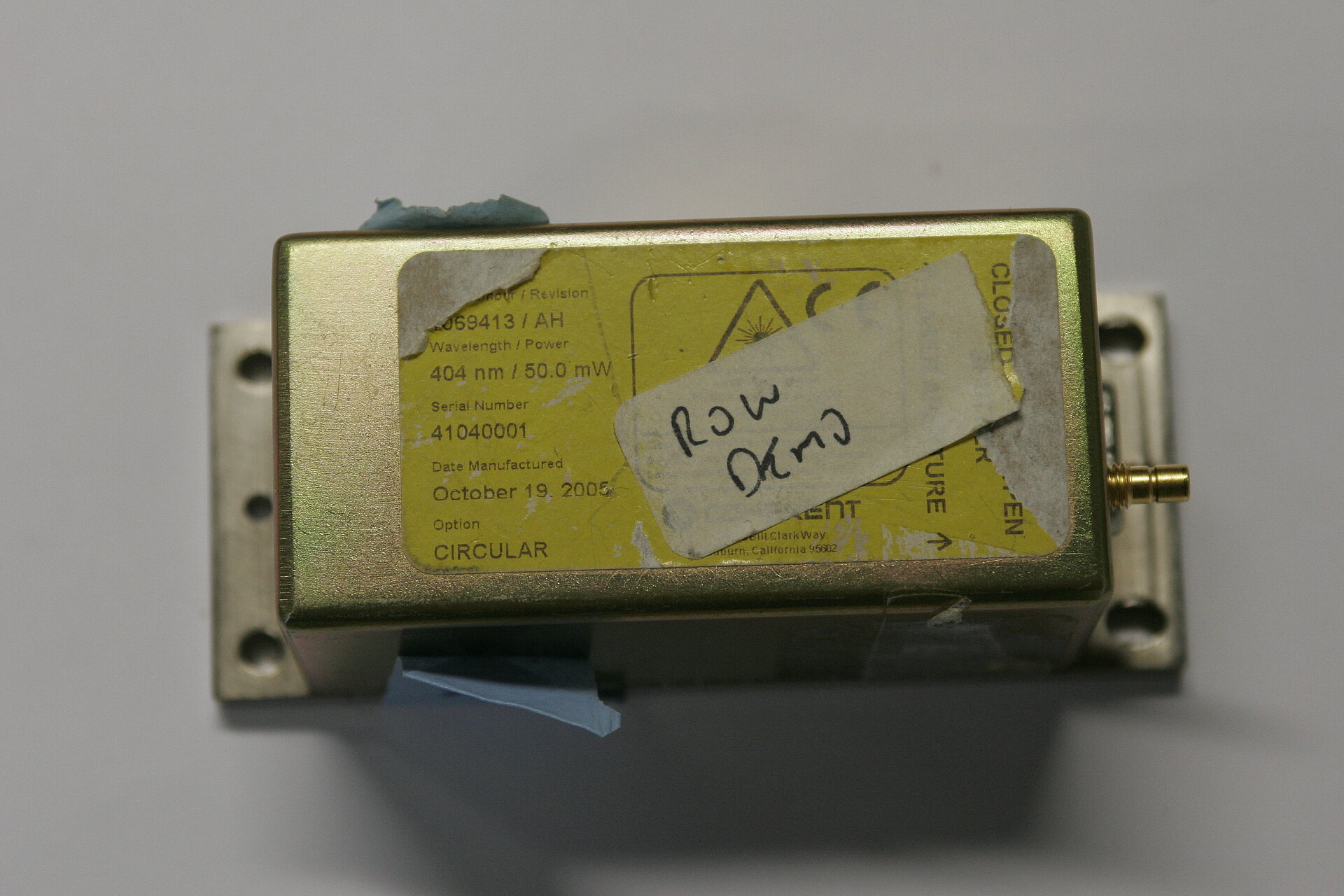
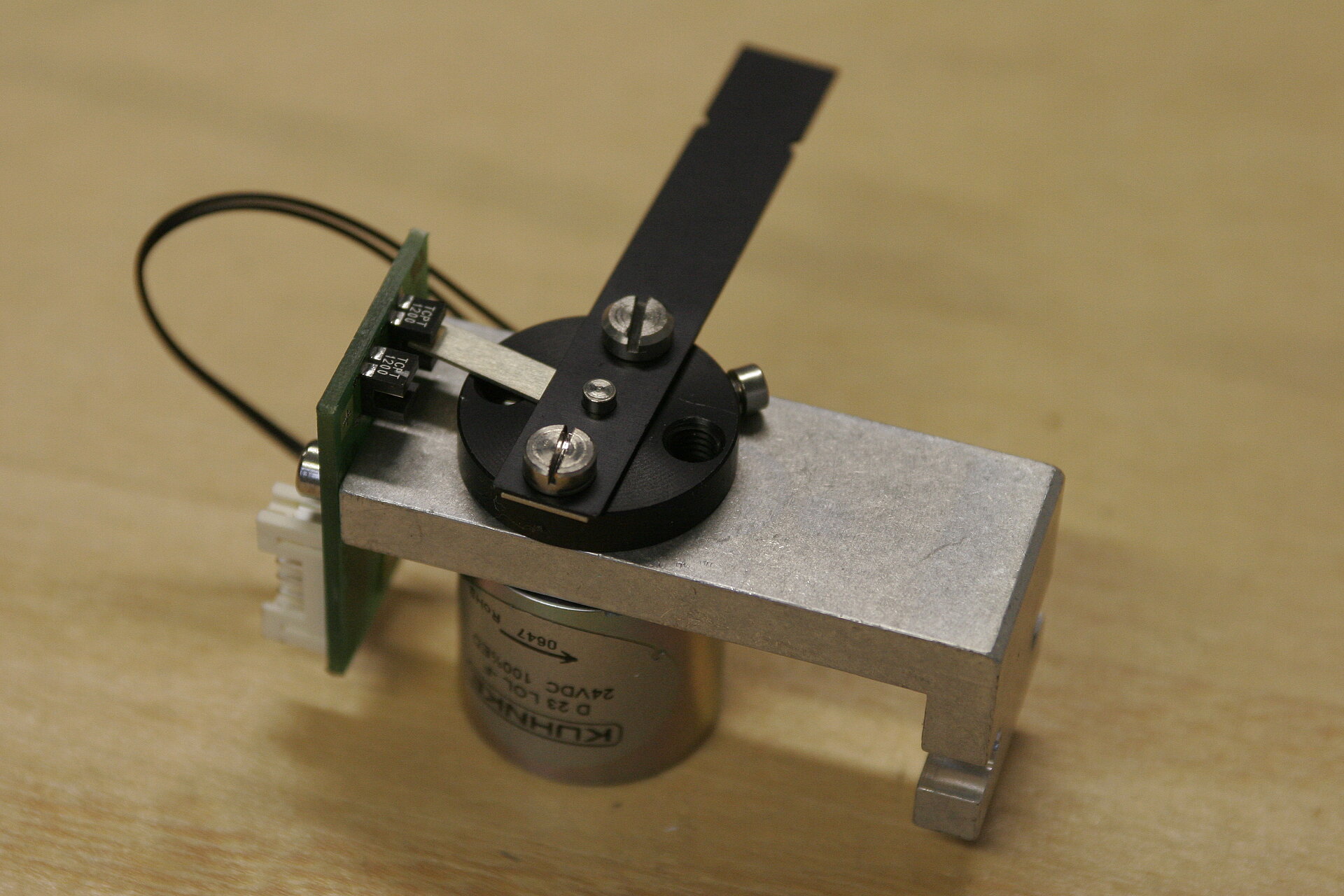
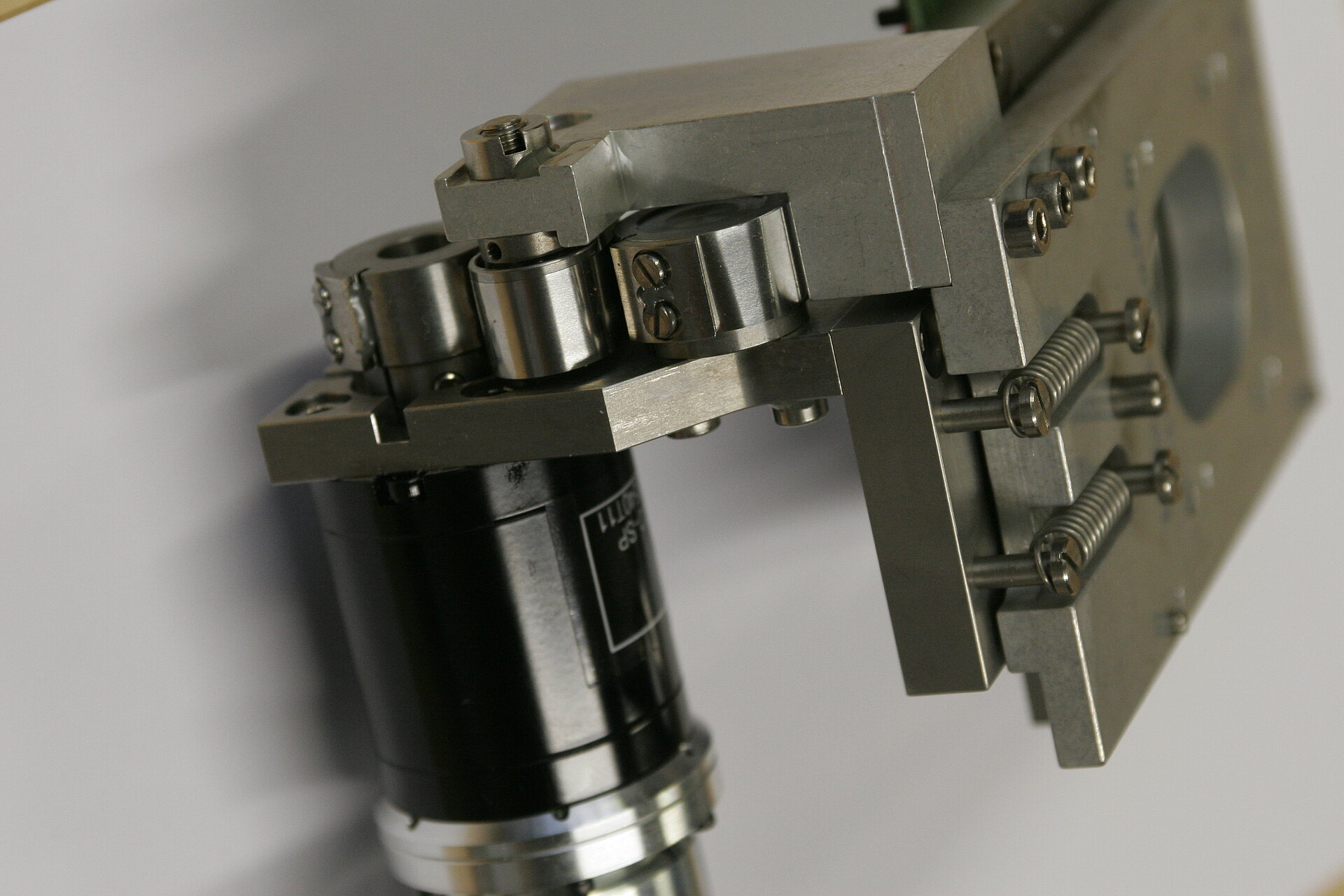
The idea here is clear: any concept is better explained with the feature of interest to look at and to touch.
You can basically use anything you can get your hands on: merchandising articles, broken equipment, special presentation equipment from the companies, ...
In our case we use for example:
- objective cut in half
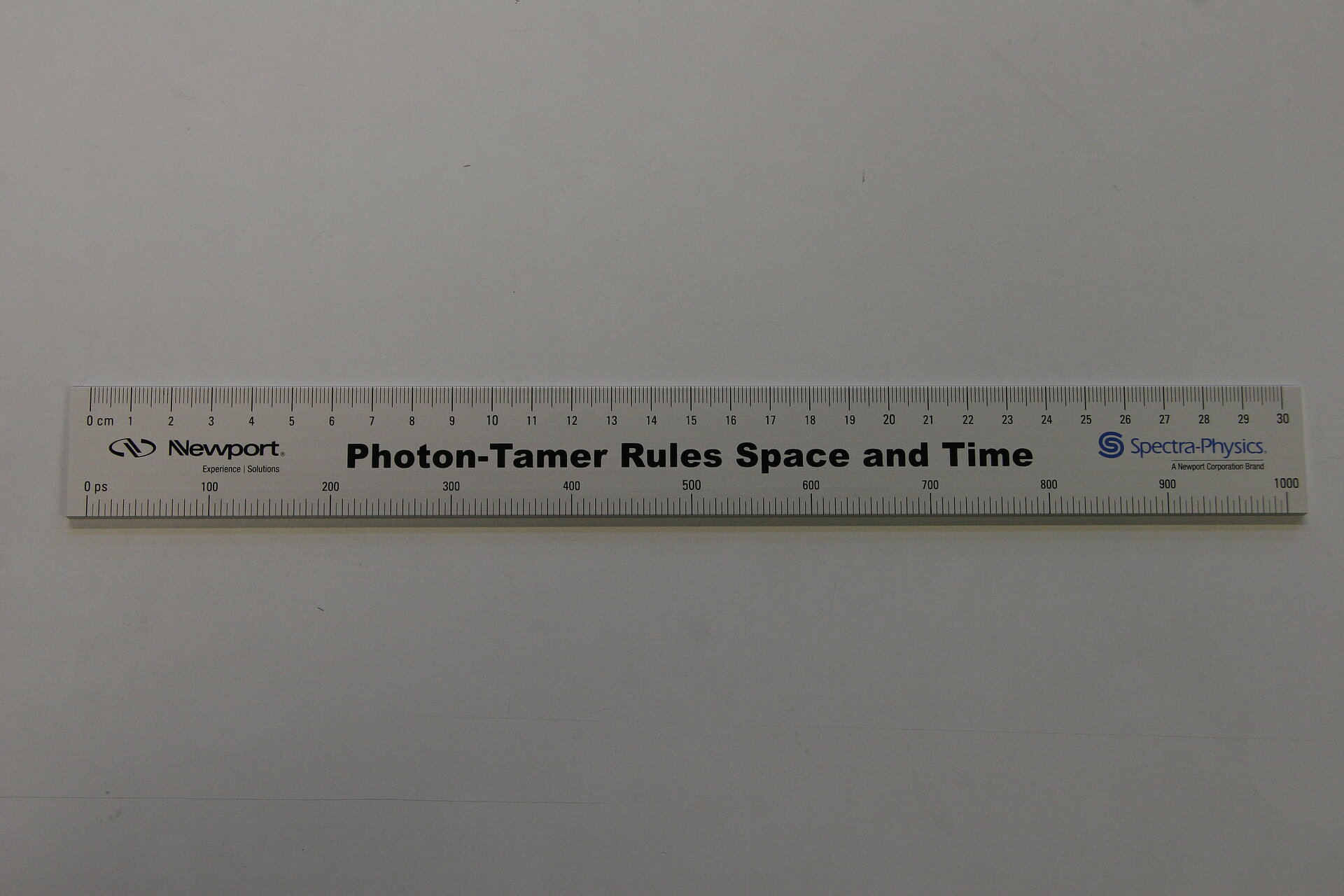
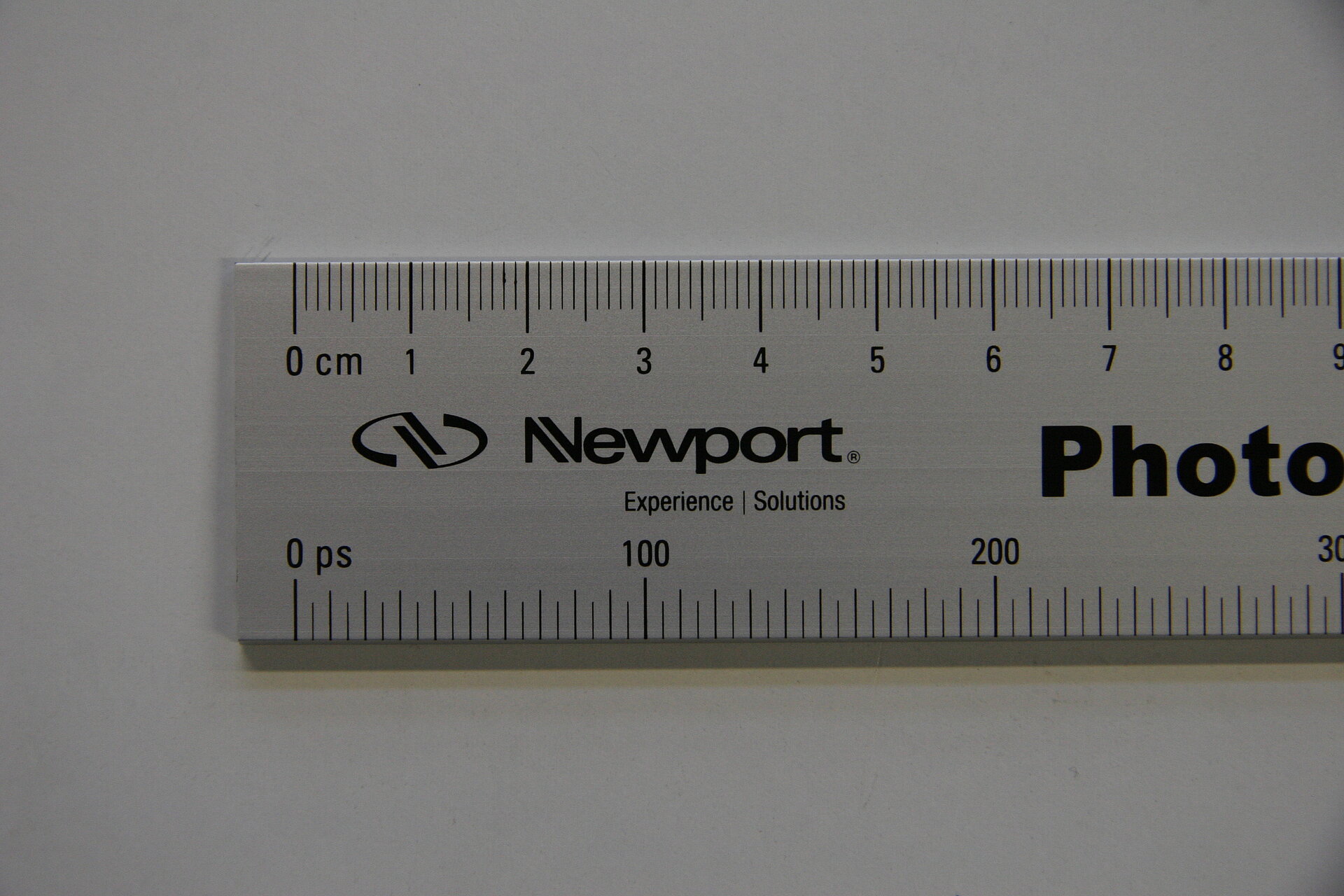
Show them the intact side first and let them guess of how many lenses such an objective consist. This usually puts quite some emphasize on the sentence “Handle your objective with care” - special ruler from Newport (Spectra Physics) called “Photon Tamer rules space and time”
How fast does light really travel? May give a better understanding of the distance that (2photon laser-) light pulses really travel. - camera chip set in a paper weight block
- burned/disfigured mercury lamp bulbs
- broken laser tubes
- broken shutters